Guides
Short step-by-step guides for everything you do on Kerko.
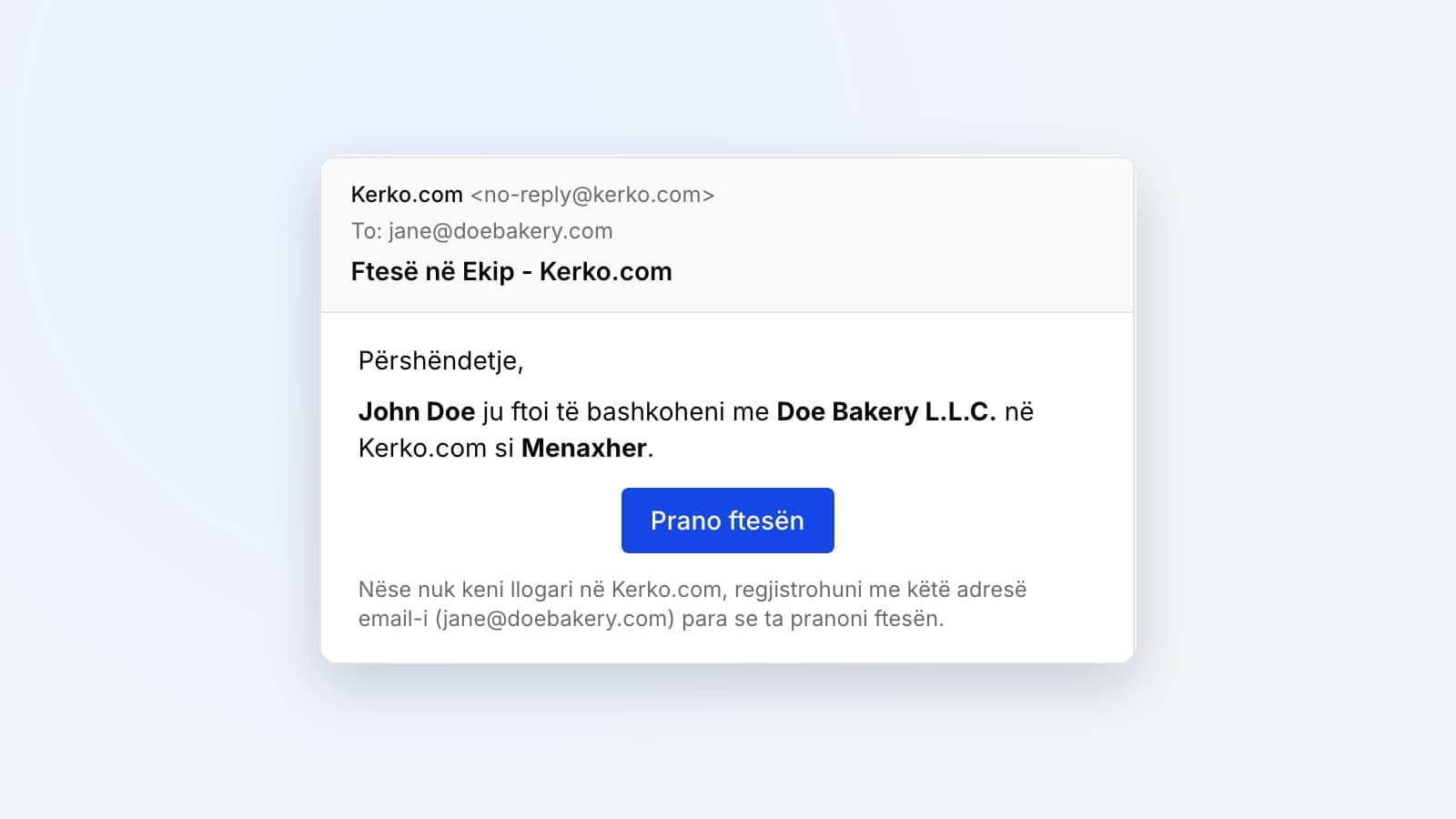
Invited to help manage a business on Kerko? How to accept the invitation from the email, with or without an account, and what to do if it expired.
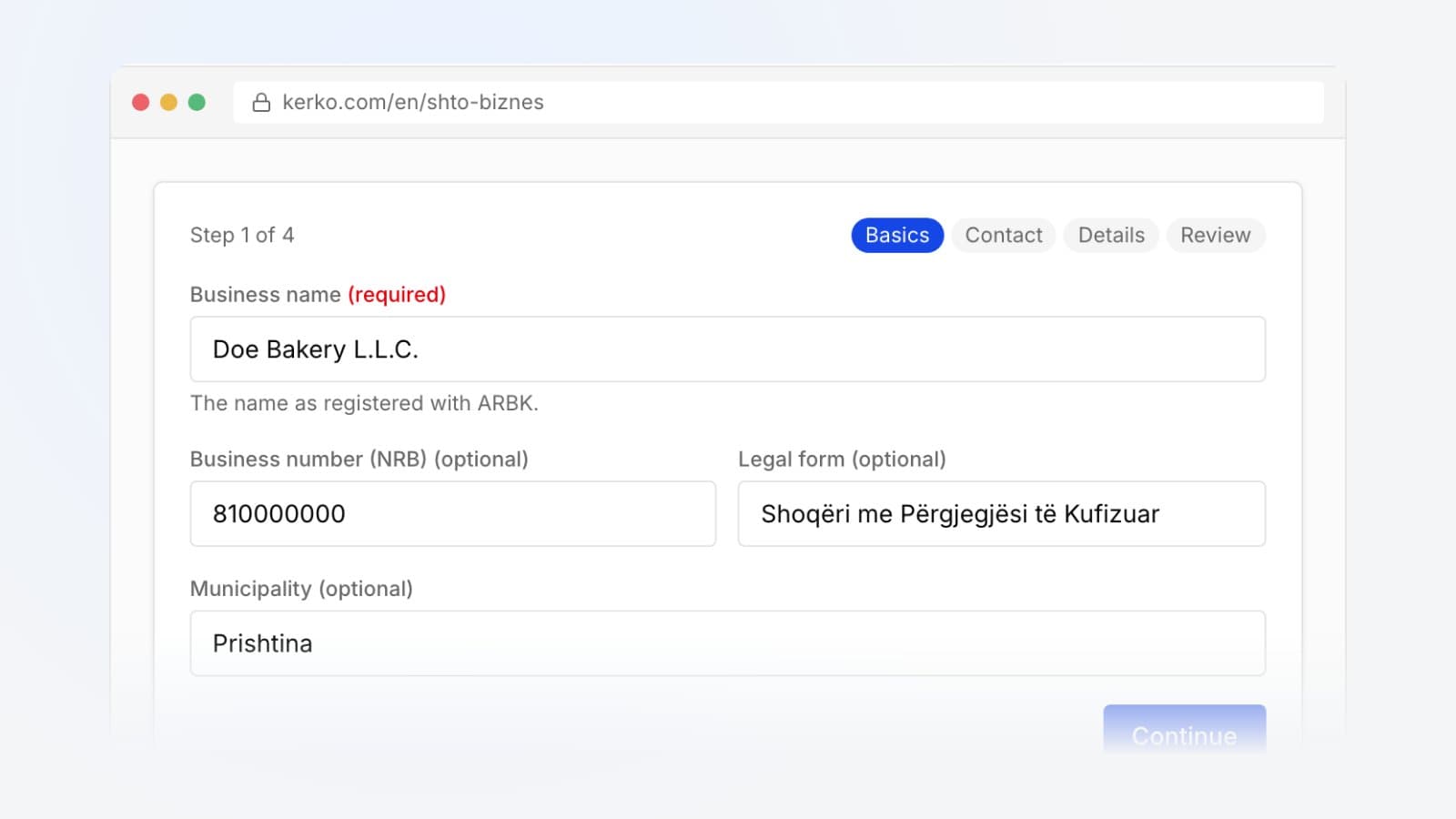
Business not on Kerko? Add it for free in four steps, earn contribution points and manage the profile once our team approves it.
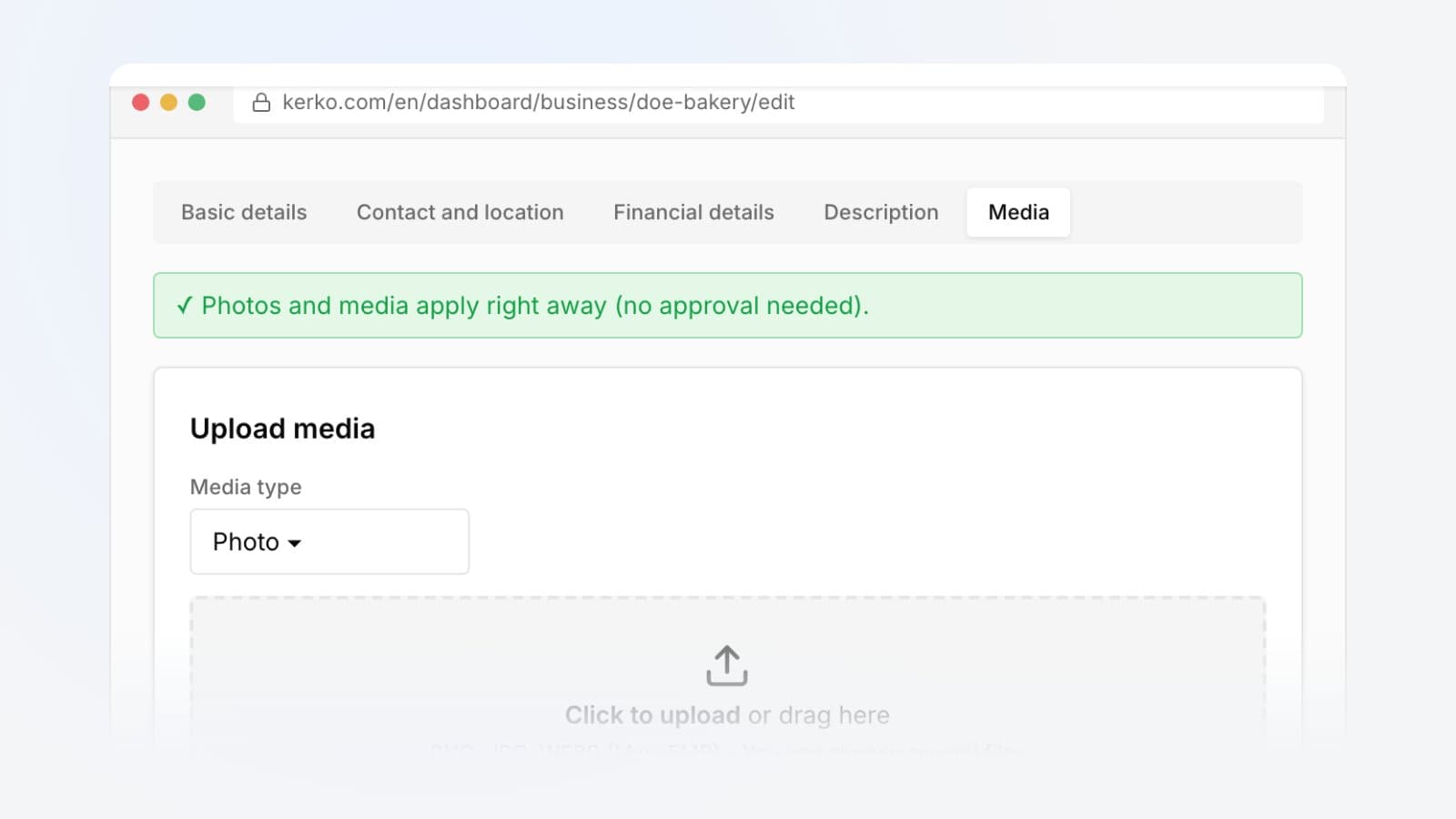
Upload your logo, photos of your premises and a banner to your Kerko business profile. Formats, file size and how to delete a photo.
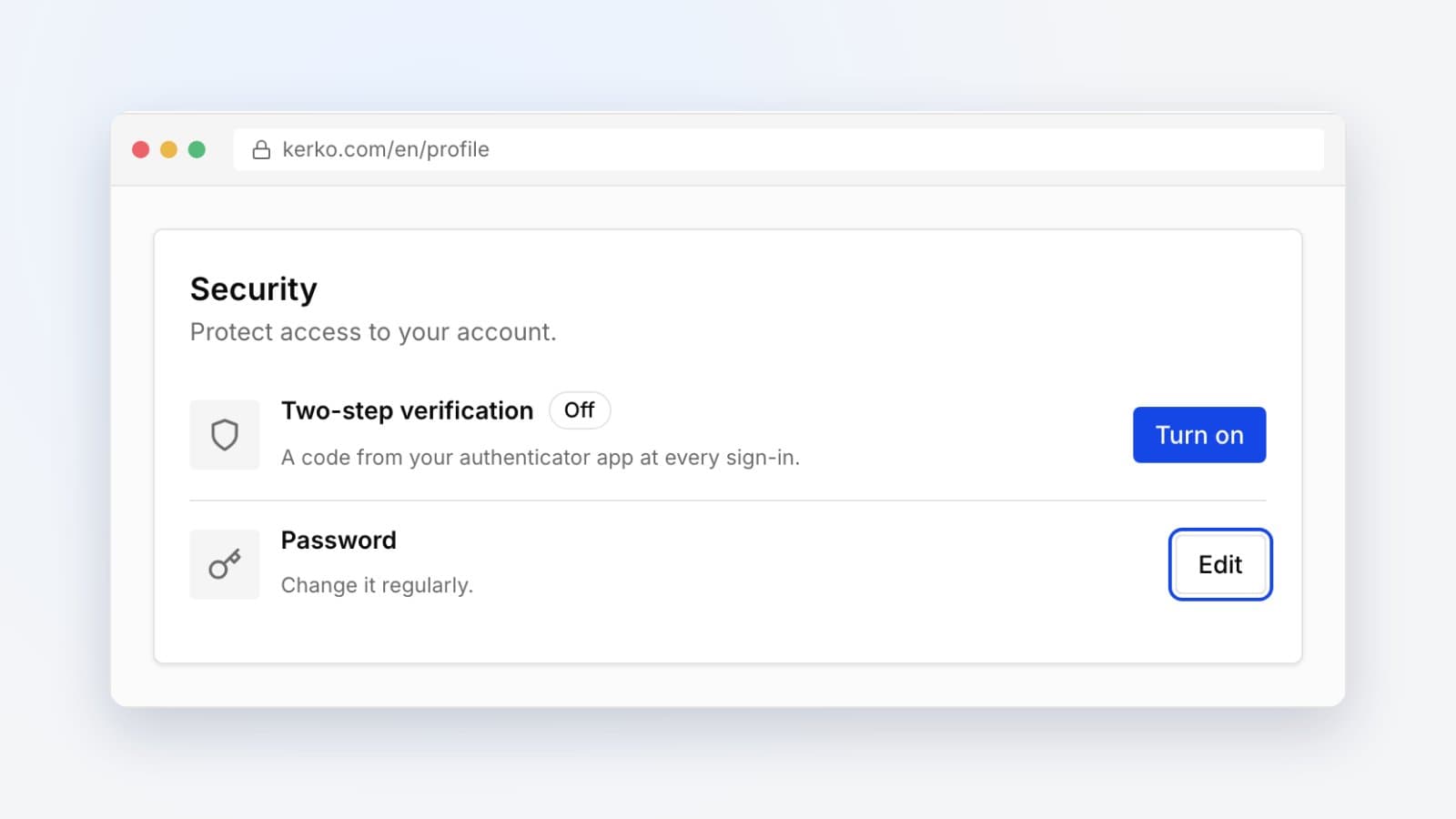
Change your Kerko password from your profile when you know the current one. Step by step, plus what to do if someone else might know it.
Suggest missing details on business and person pages, see how points are counted and how you get onto the contributors list.
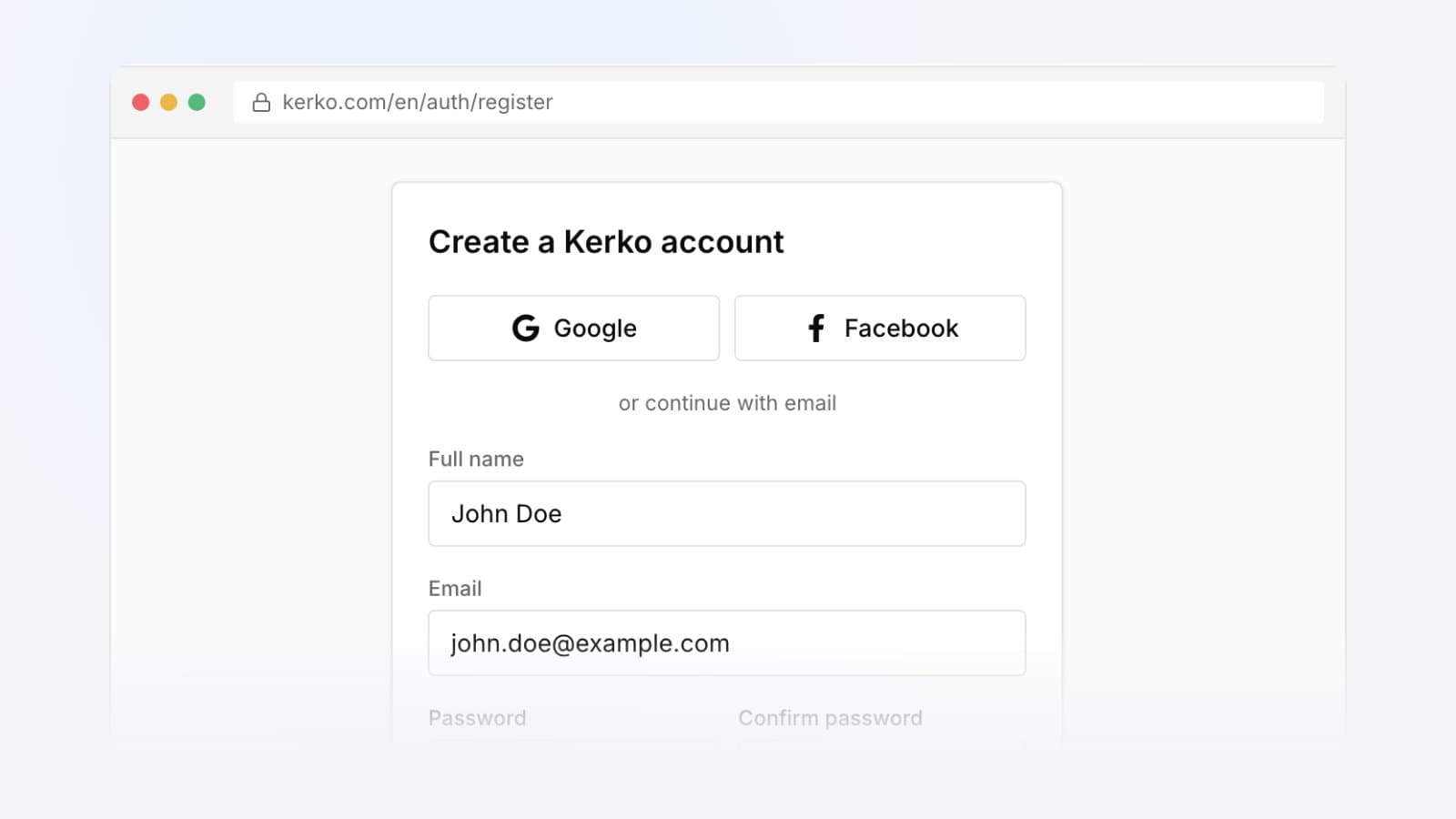
Create a free Kerko account with email, Google or Facebook, verify your email and see what you can do once you are signed in.
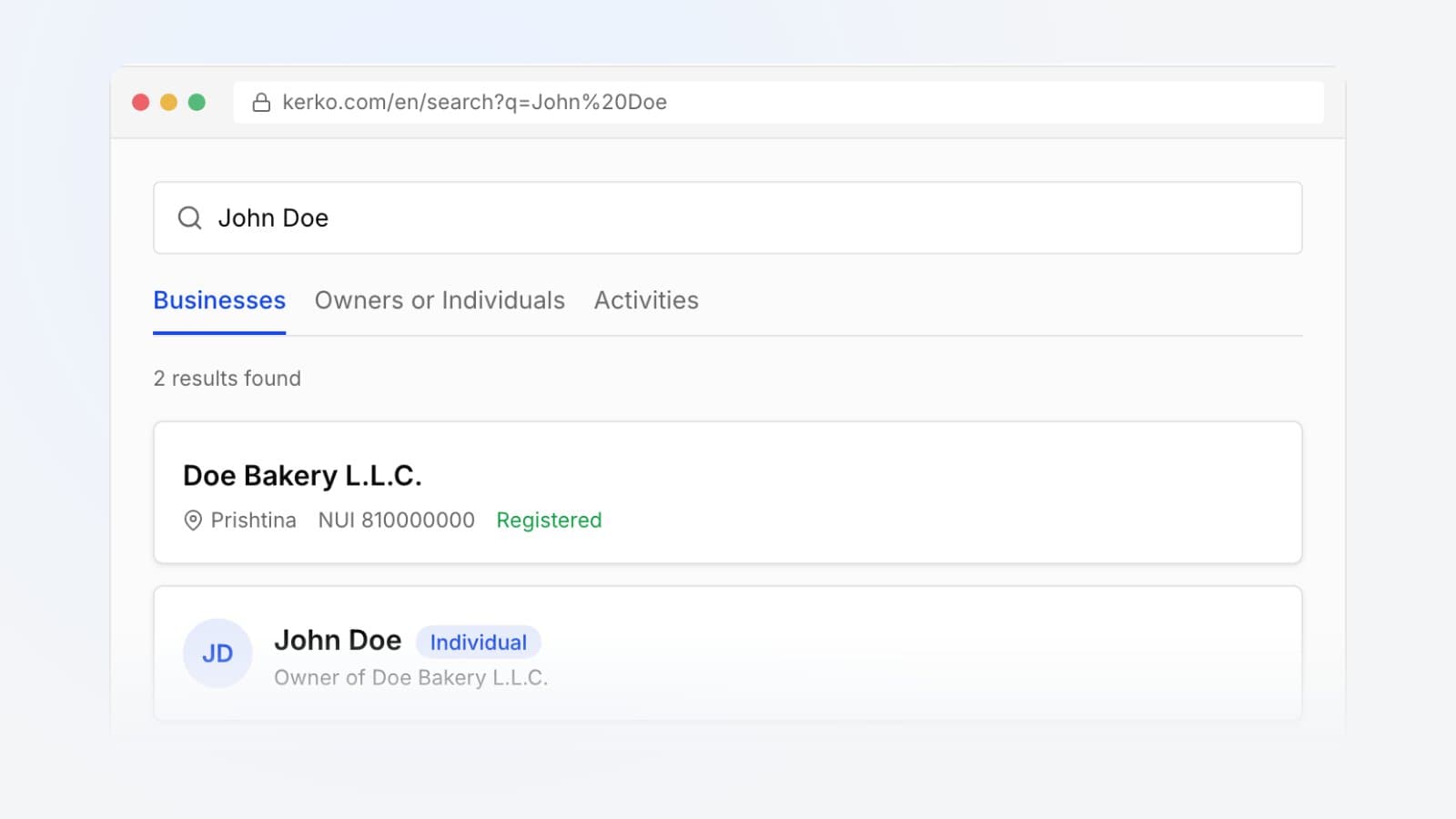
Search Kerko by business name, NUI, owner or activity, narrow results with filters and read a business profile at a glance.
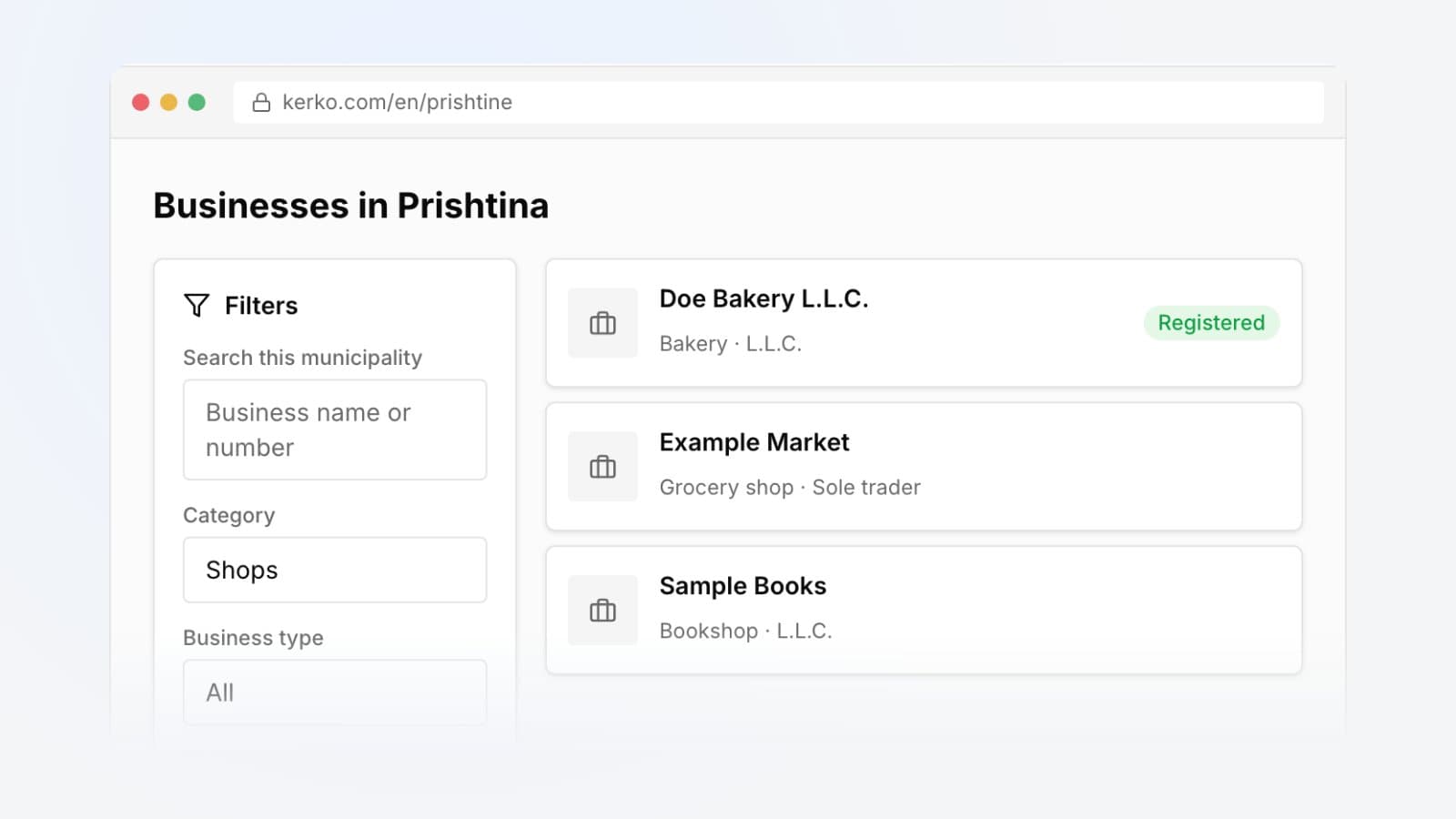
Browse the businesses of a municipality, category or legal form on Kerko and narrow the list with filters. With example addresses to open directly.
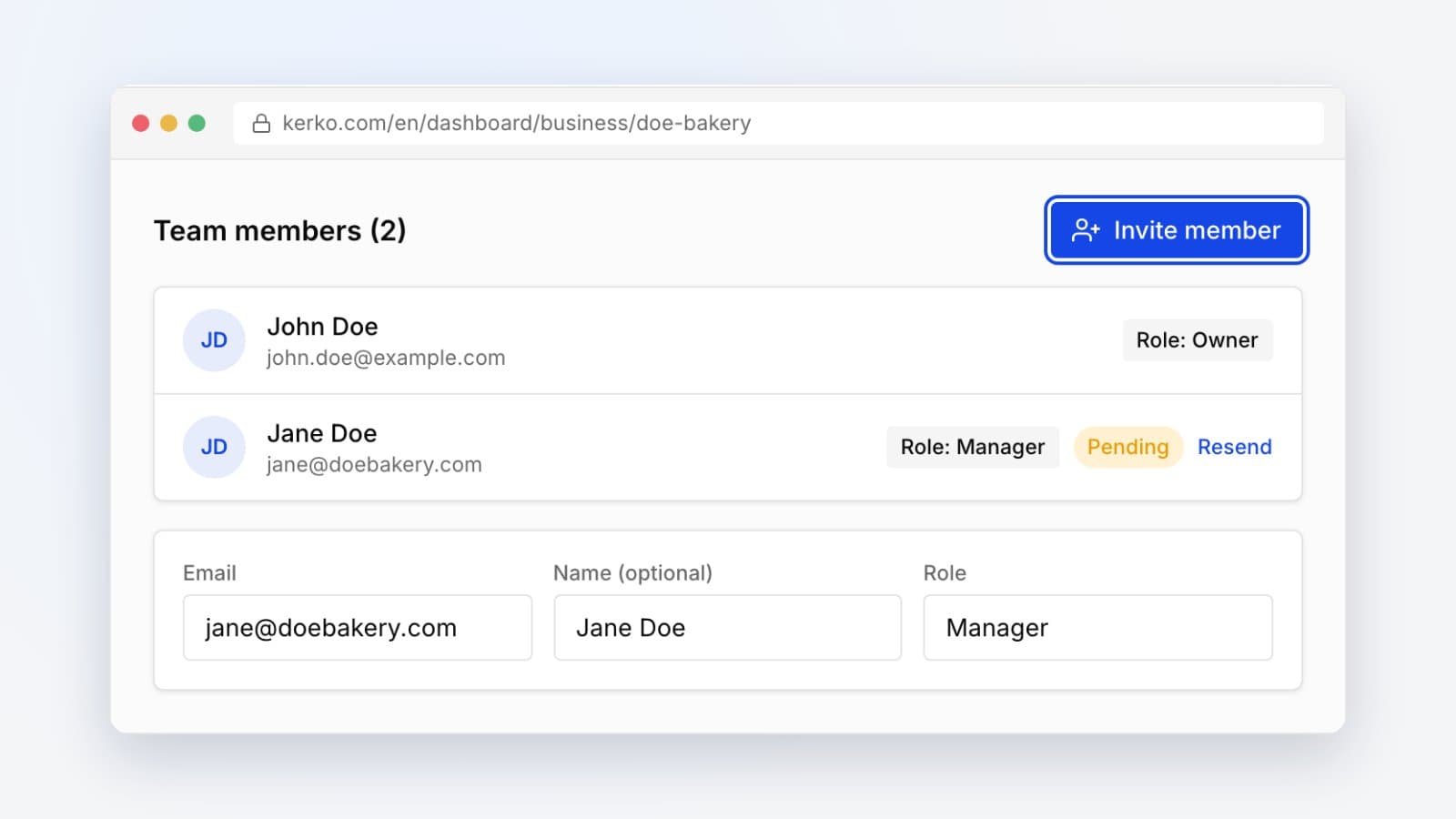
Invite colleagues to manage your business profile on Kerko, see what each role can do and how the email invitation is accepted.
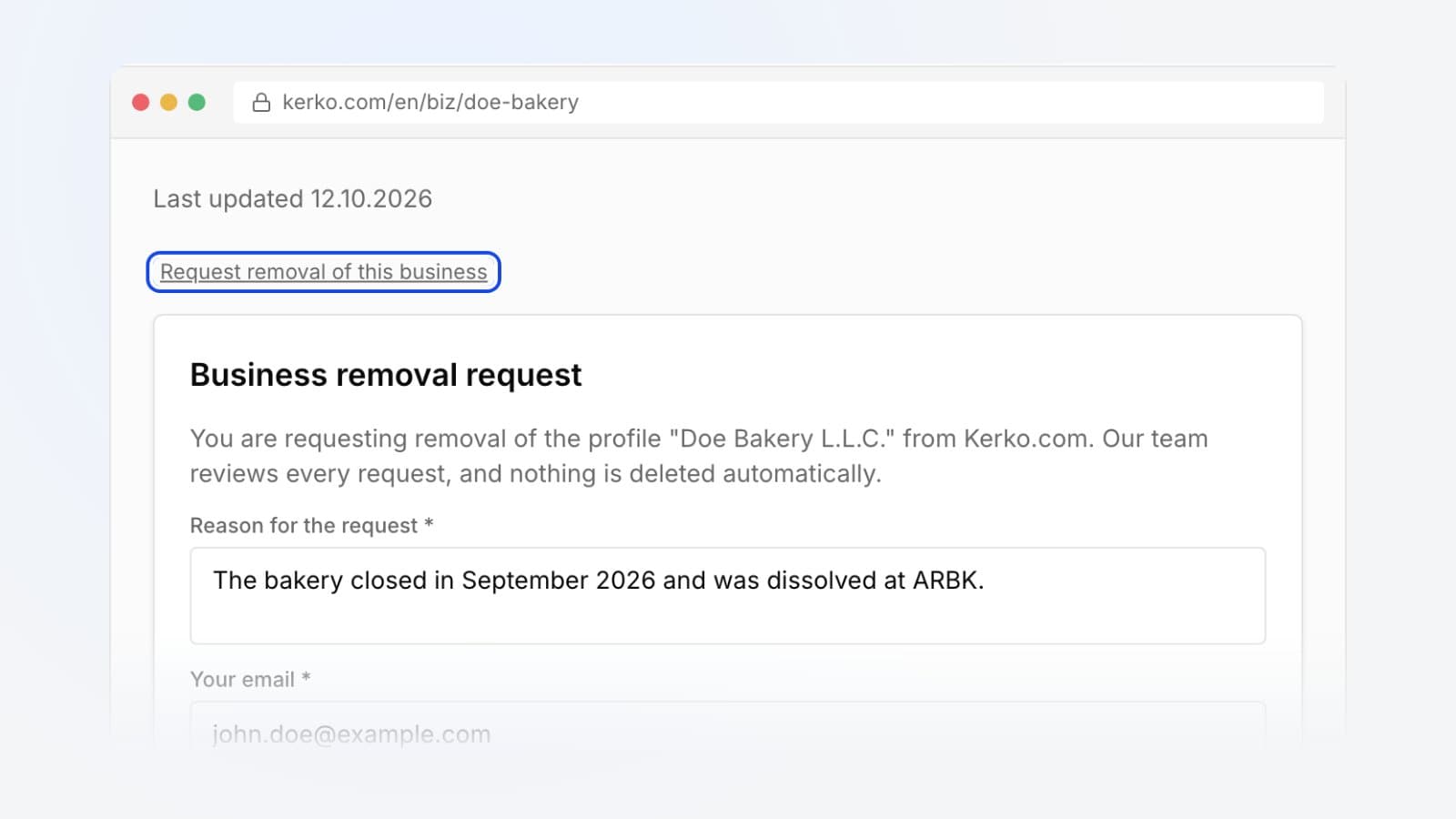
Business closed, or the profile should not be on Kerko? How to send a removal request, from the public profile or from the owner dashboard.
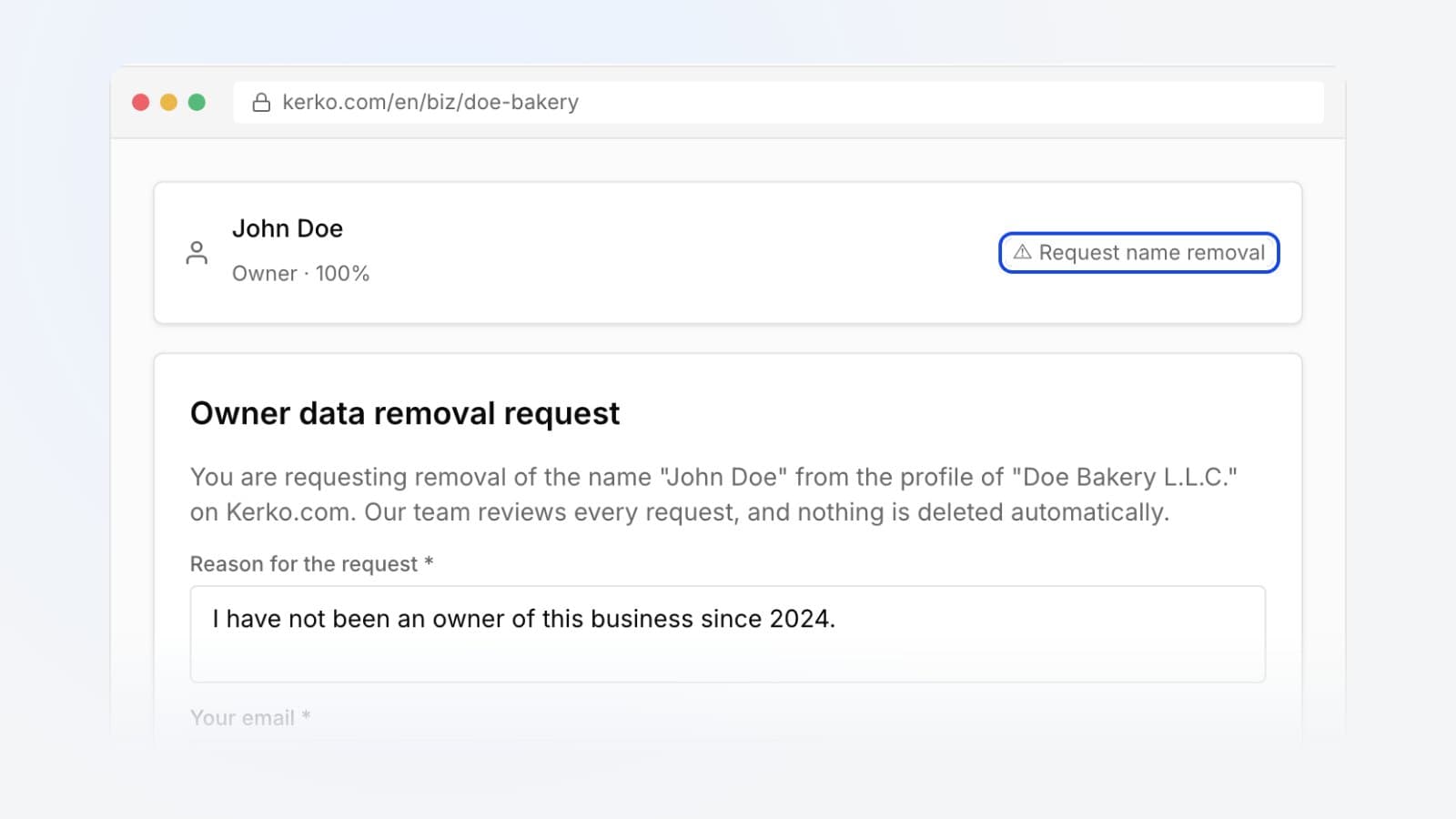
Ask Kerko to remove your name from a business owners list, the photo and links from your person page, or a closed business.
Forgot your Kerko password? Get a code by email, set a new password and get back into your account in about two minutes.
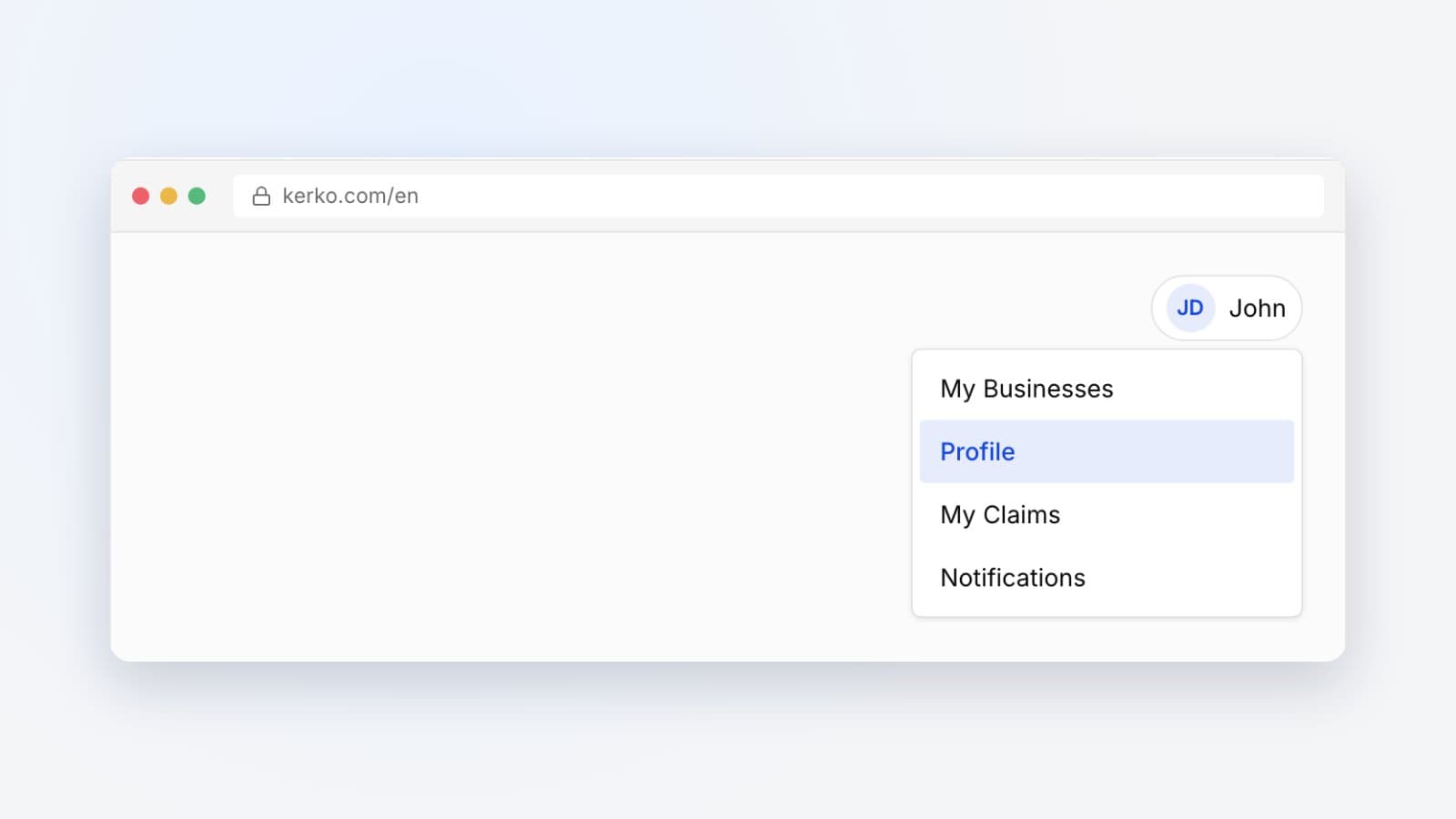
Where to find your Kerko profile, how to change your name, phone and address, how to pick the site language and where to follow claims and notifications.
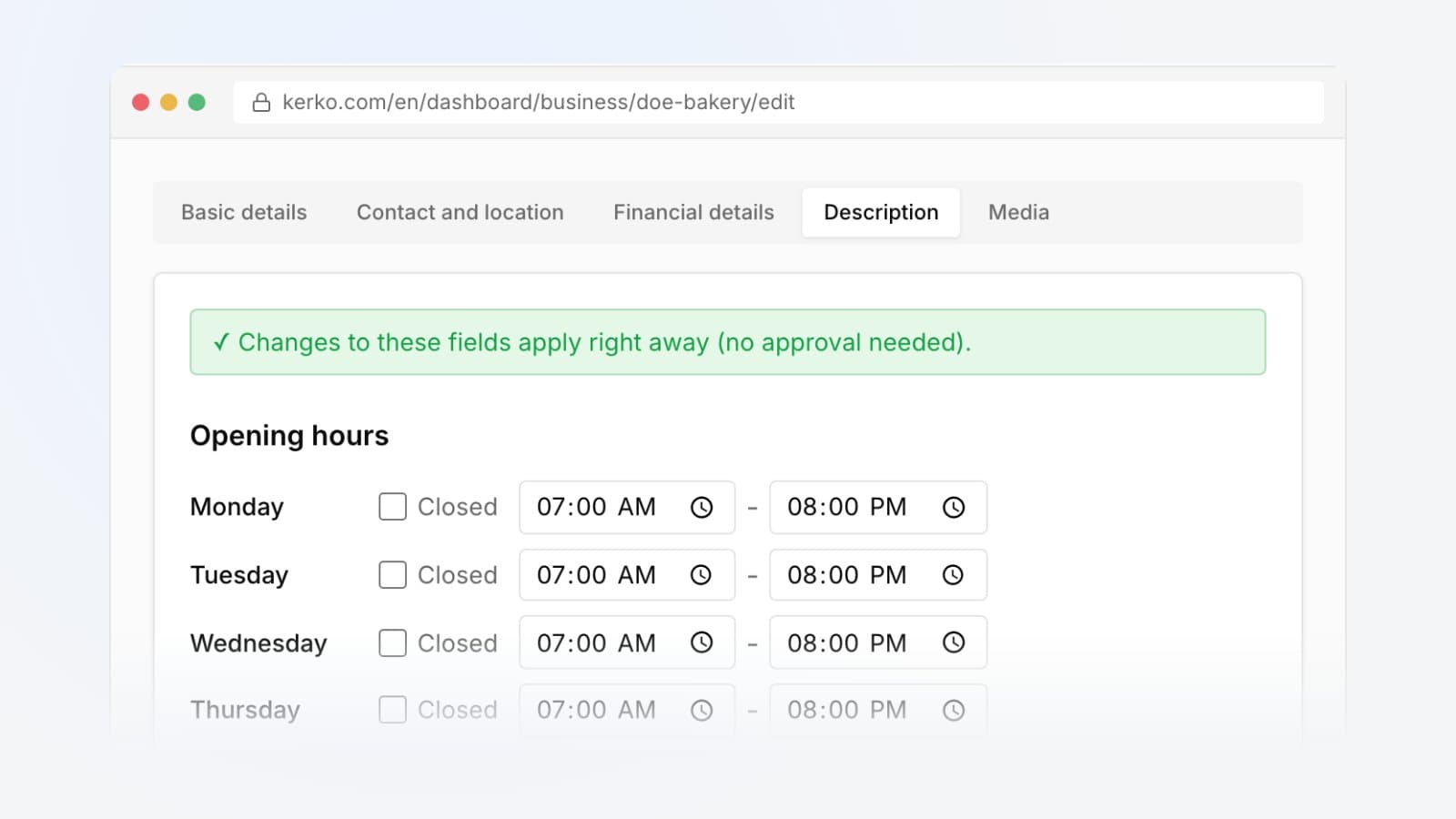
Set your opening hours, closed days, payment methods and a short description on your Kerko business profile. They go live straight away.
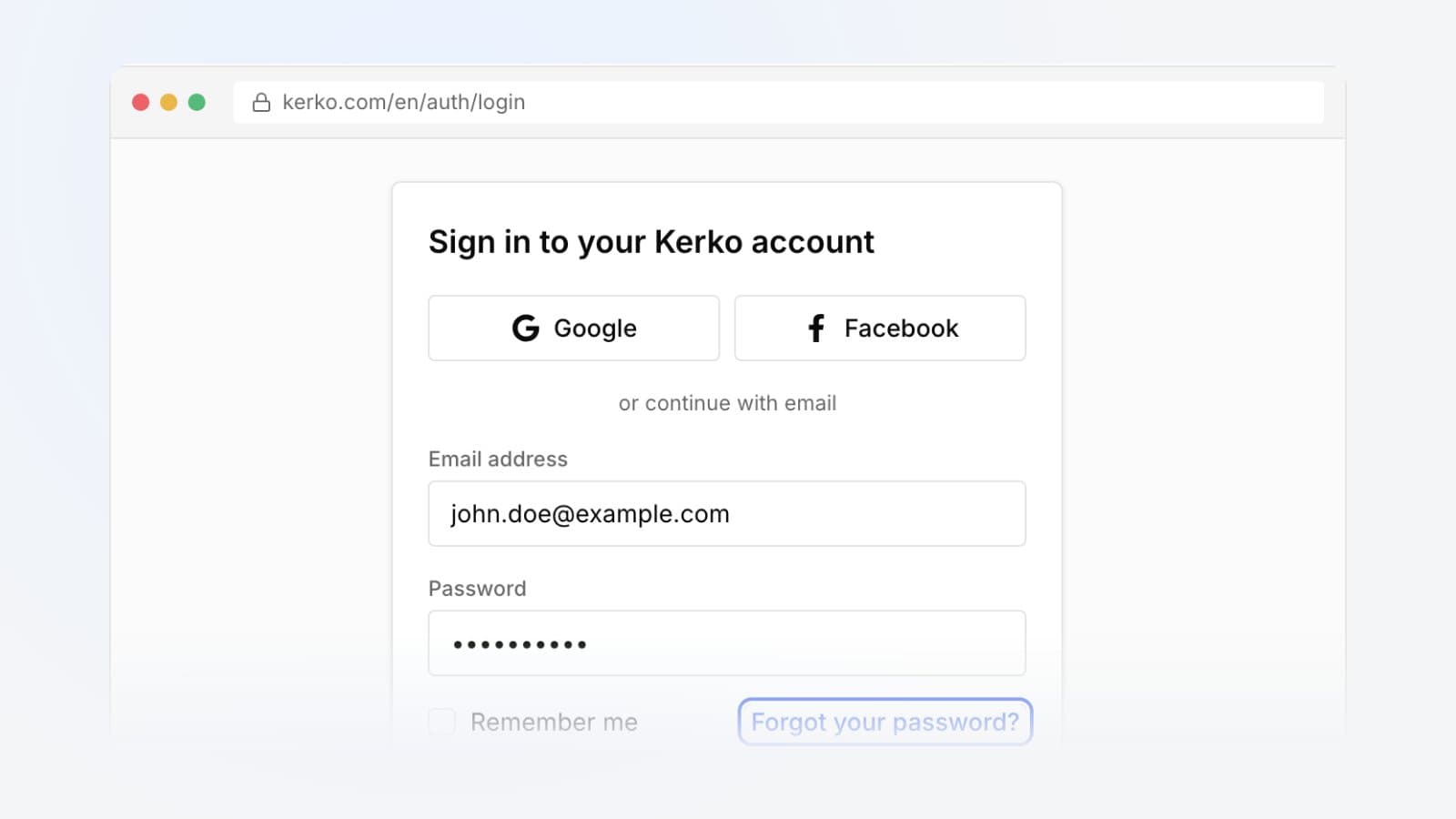
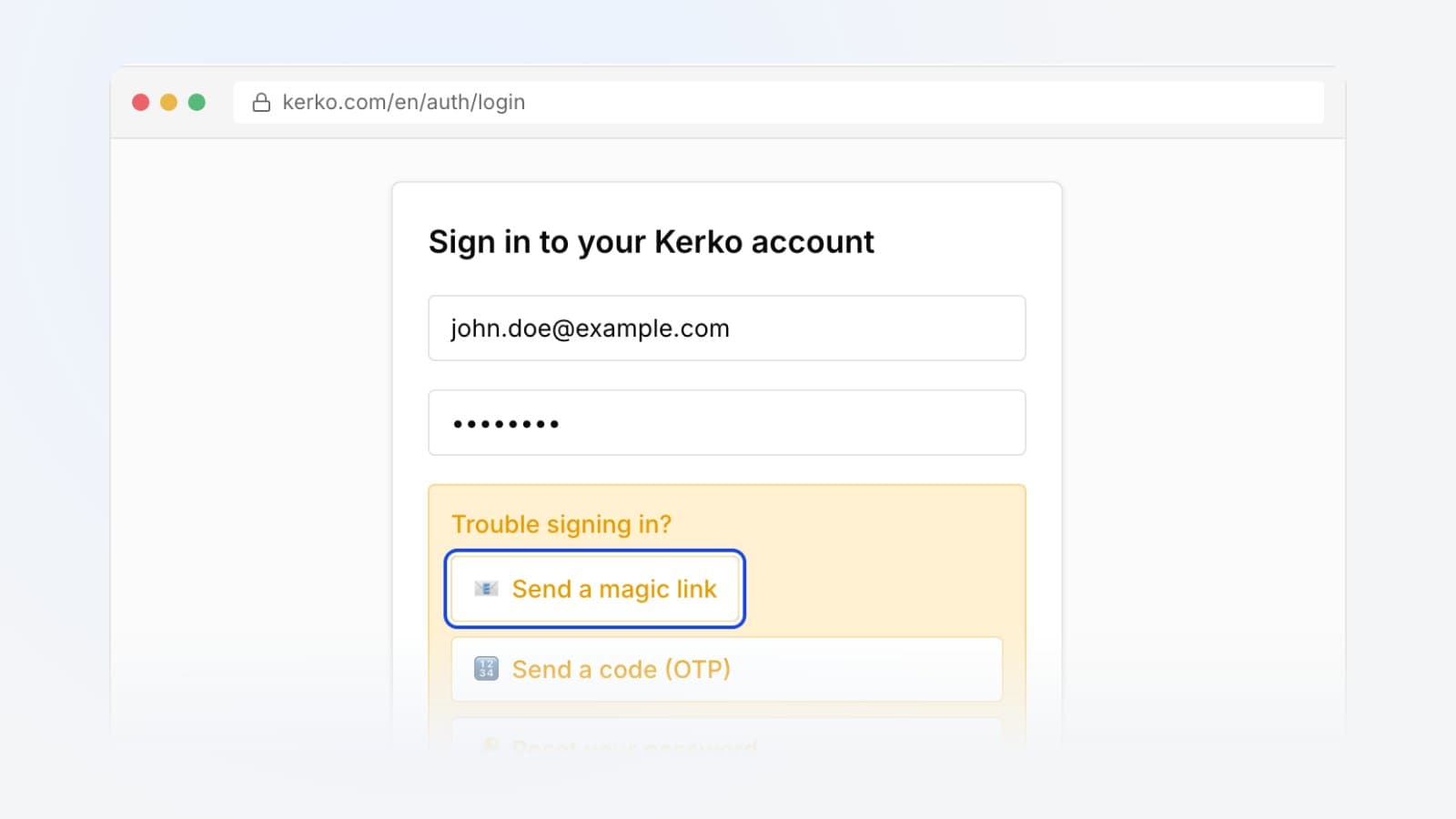
Sign in to Kerko with Google, Facebook, an email link or a 6-digit code. How each option works and when the sign-in page offers it.
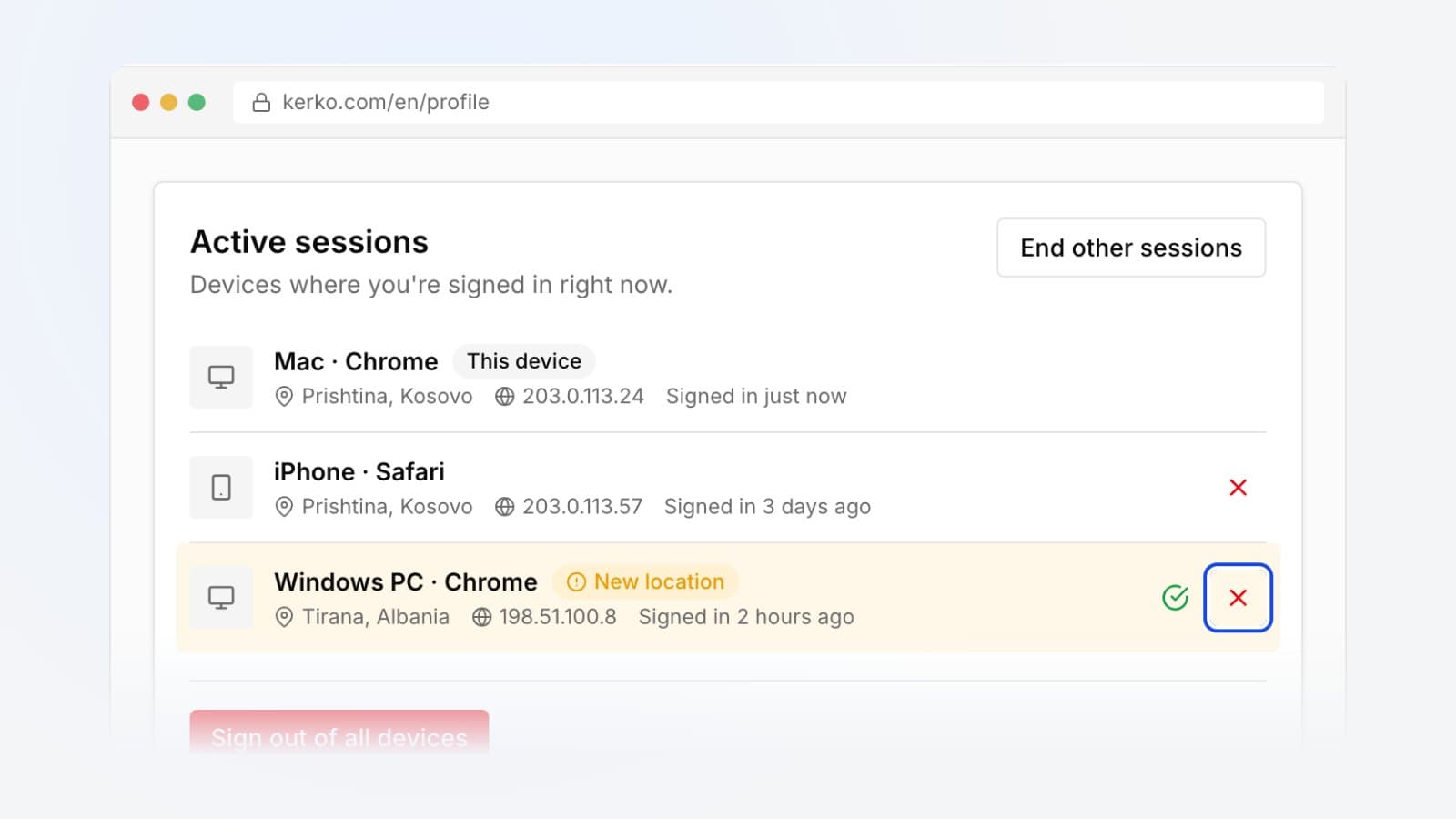
See where you are signed in to Kerko, close a device you do not recognise or sign out everywhere at once. What "Vendndodhje e re" means.
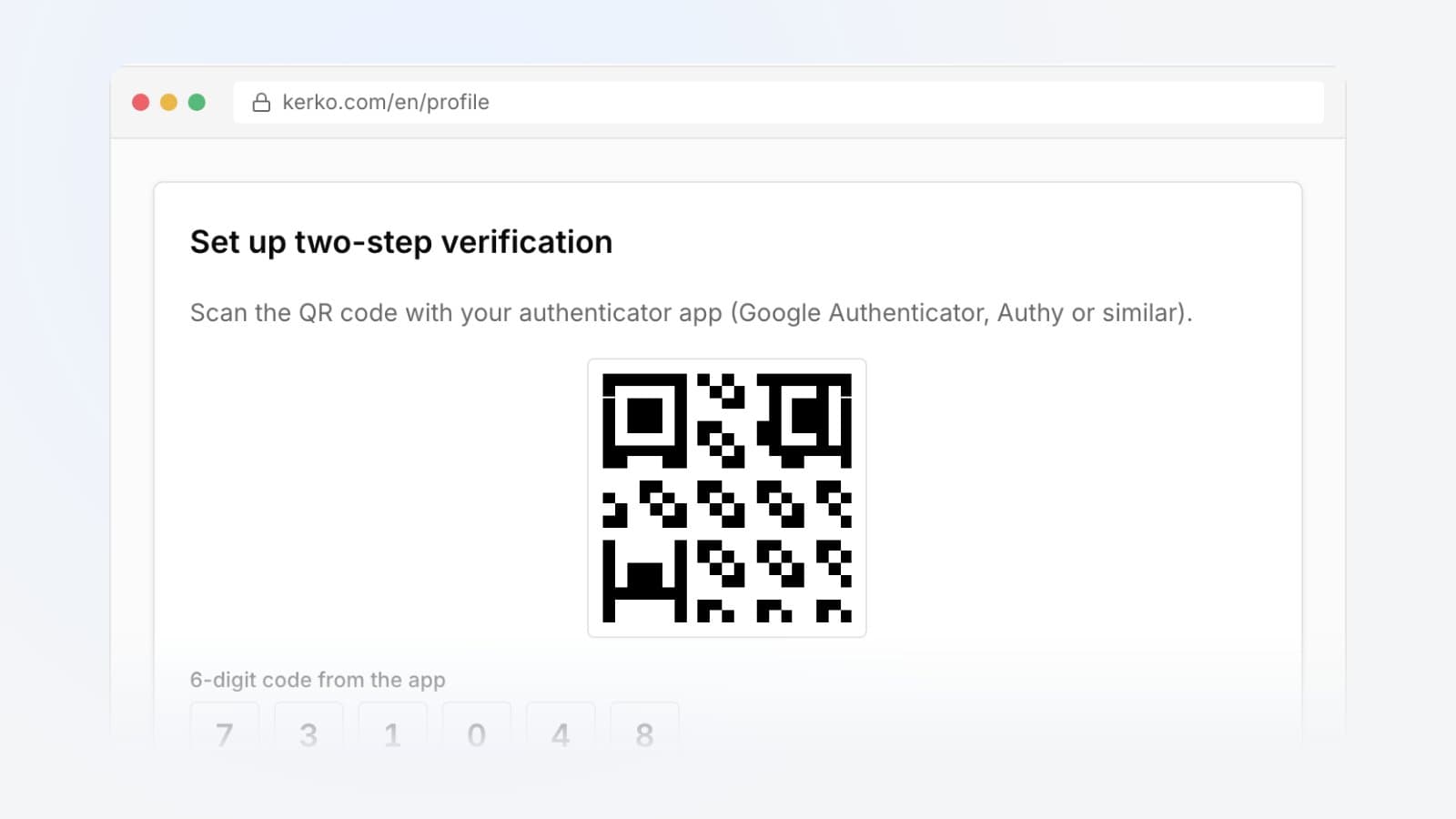
Protect your Kerko account with a code from an authenticator app, sign in with it and switch it off safely when you change phones.
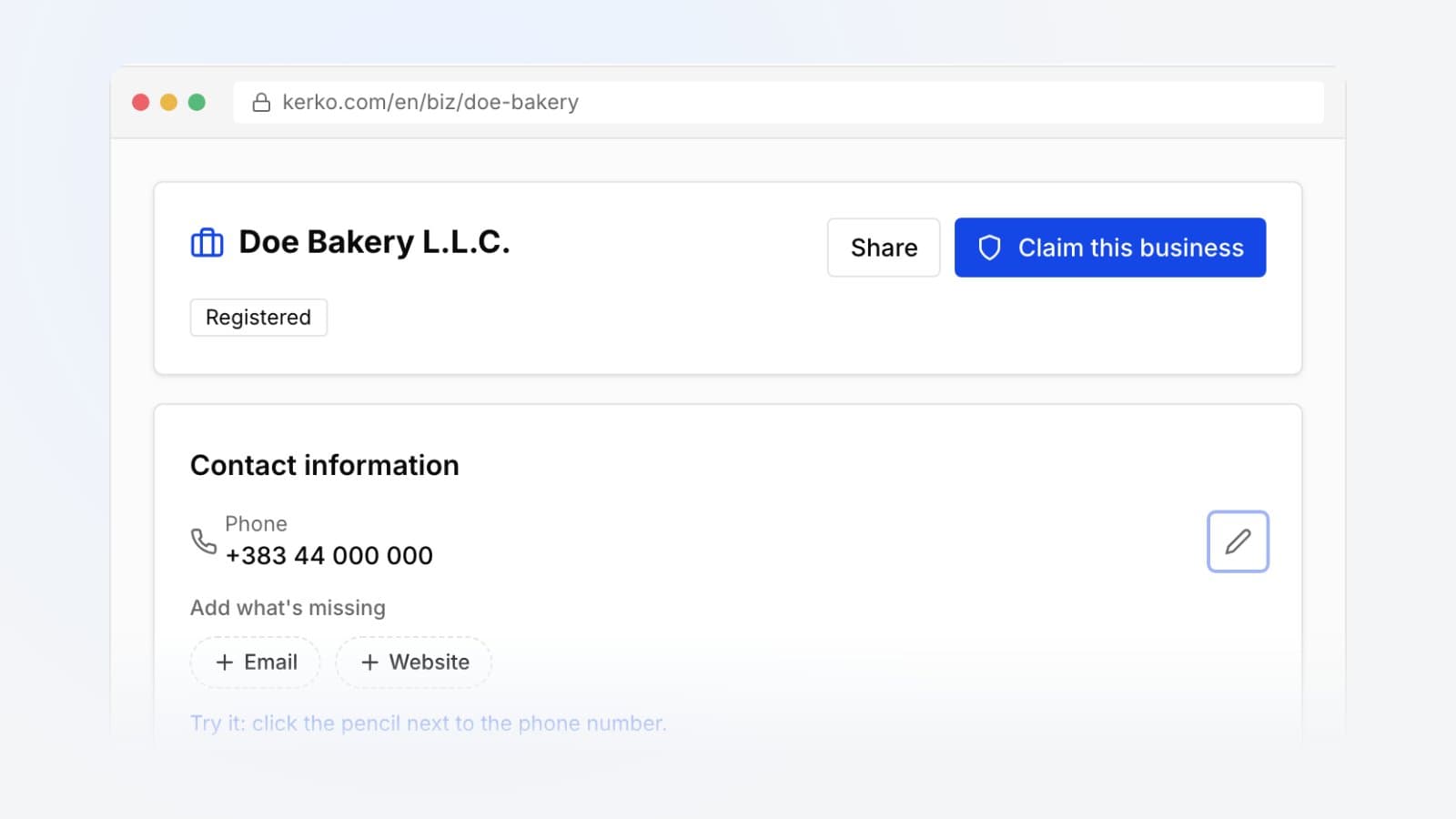
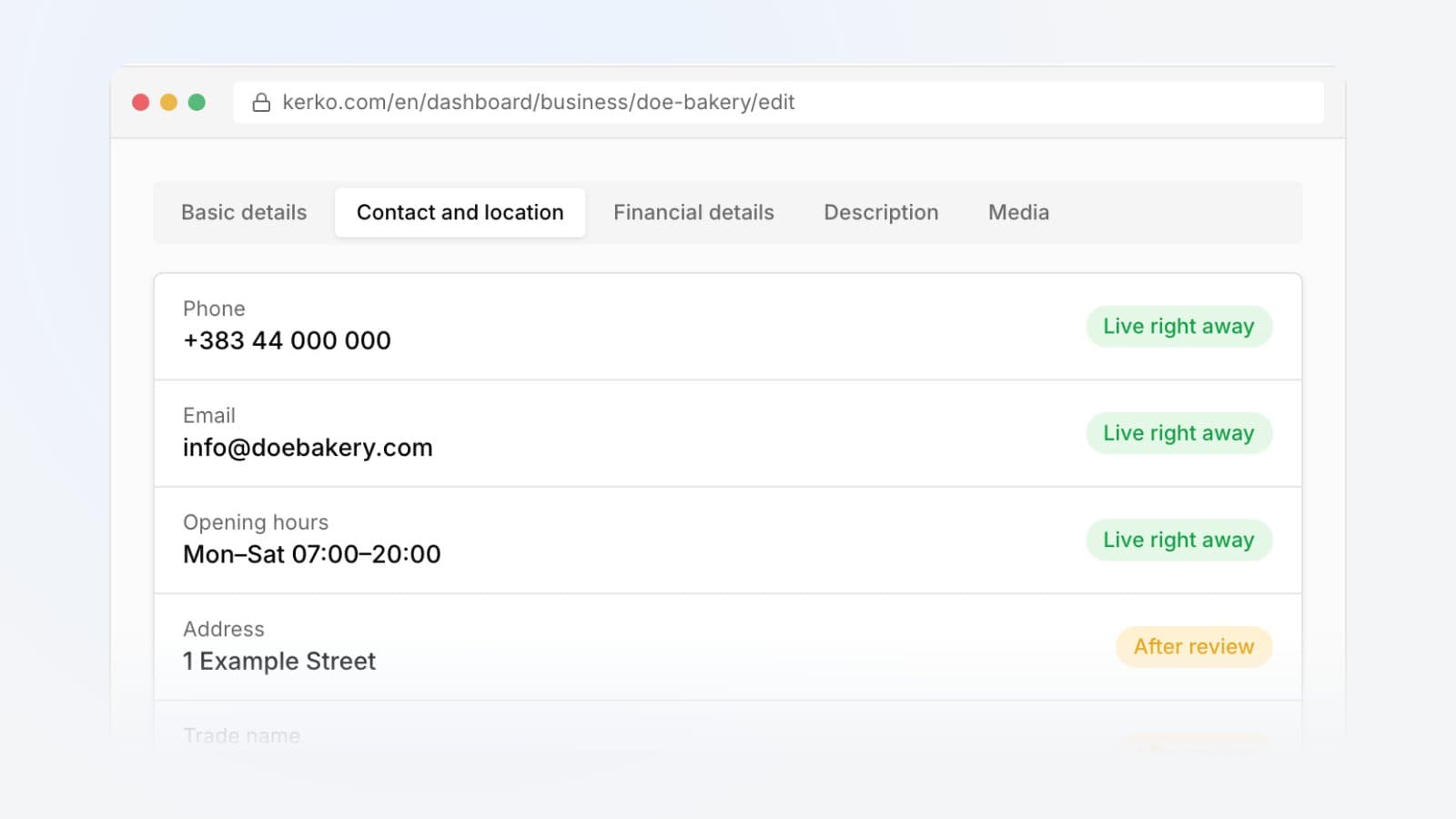
Update your phone number, opening hours, description and photos on Kerko, and see what goes live right away and what waits for review.
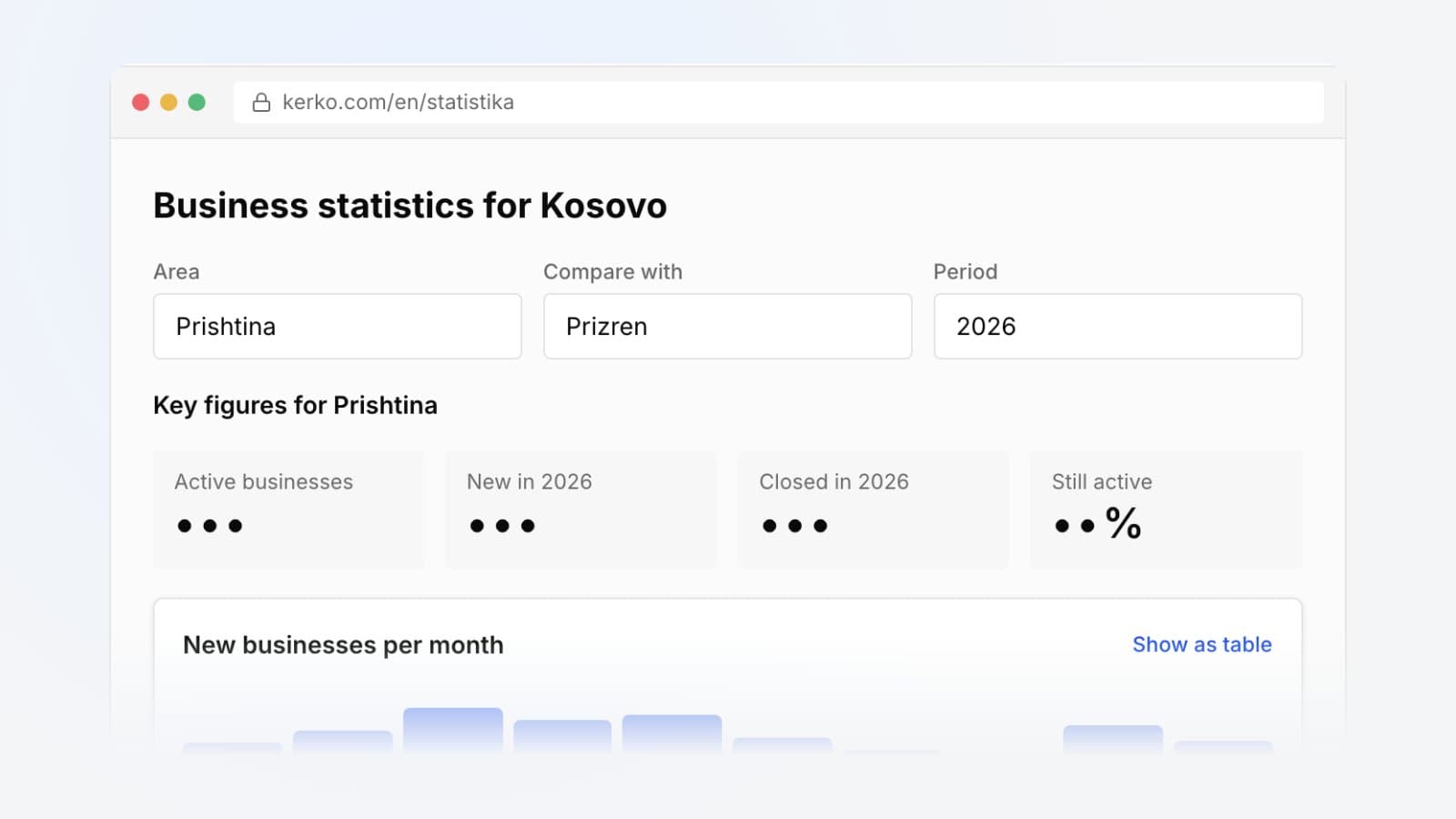
How many businesses open and close in your municipality? How to pick an area and year, compare two municipalities and read the figures on Kerko.
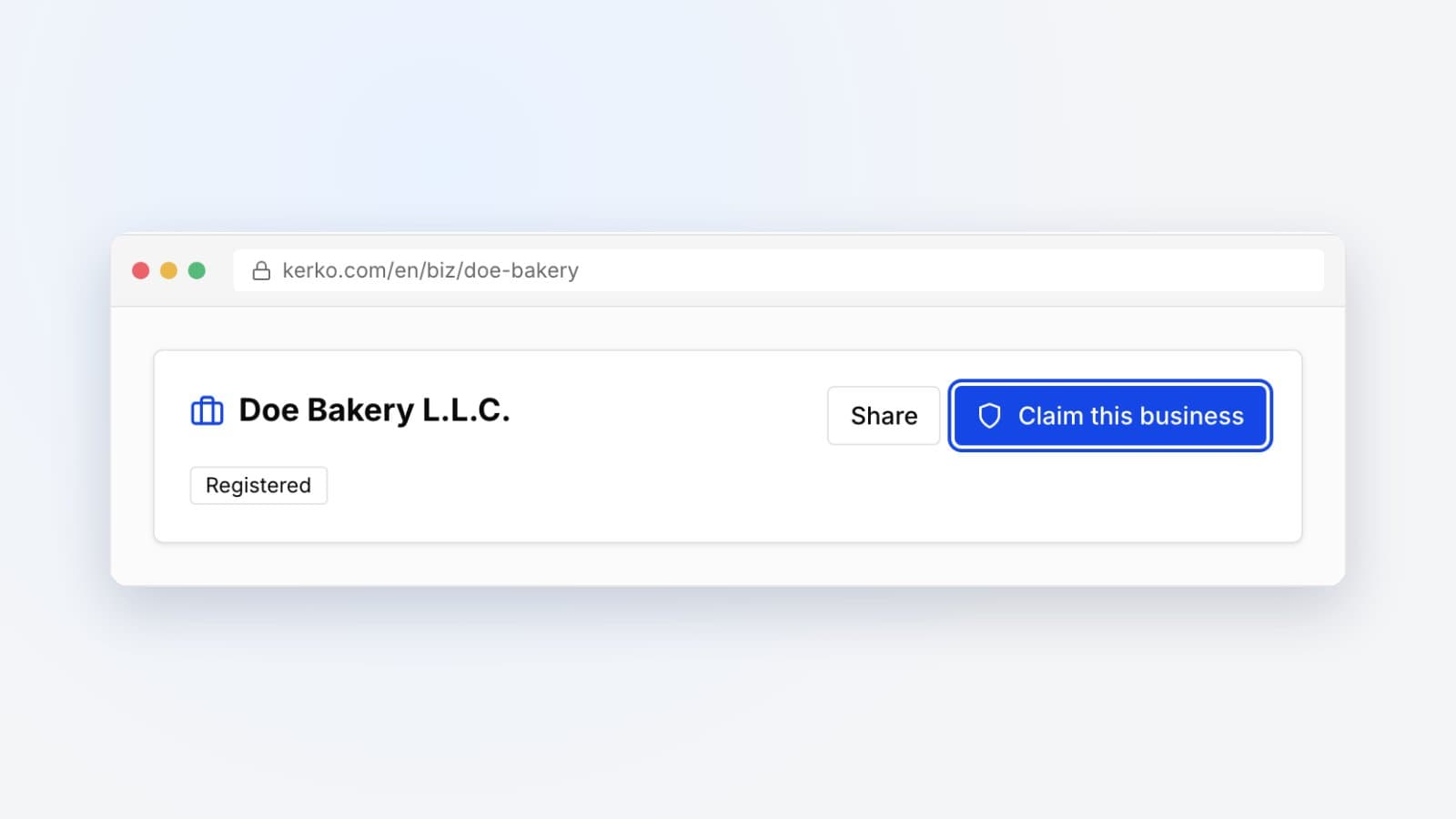
Claim your business on Kerko: which documents you need, how long the review takes and what the verified badge lets you do.