Kerko updates
Kerko updates: improve any business profile
Anyone with an account can now fill in or correct a business profile, earn points for it and follow the new step-by-step guides.
The Kerko team · · 3 min read
On this page
Business profiles on Kerko start from the official registry (ARBK): the name, status, owners and activities. What is often missing is exactly what customers look for most: a phone number, opening hours or a photo of the place. This week we made it easy for anyone who knows a business to fill in its profile.
A pencil next to every detail
On every business profile there is now a pencil next to the phone, address, email, website and description. Click it, type the right value and send it. The form opens right where the detail is, without taking you to another page.
Doe Bakery L.L.C.
Contact information
Phone
+383 44 000 000
Add what's missing
Try it: click the pencil next to the phone number.
The contact card also lists what the profile is missing, like the phone number or opening hours, with the points each is worth. One click is enough to add it. You can also add a photo, or add and correct an owner or authorized person.
Our team reviews every suggestion before it shows on the profile. Person pages can be improved too: fix how a name is written or a role at a business, or add a business that is missing.
The guide How to contribute walks through every step.
Points for every contribution
Every approved contribution earns points, by what it adds to the profile:
- New business: +20
- Photo: +8
- Missing detail: +5
- Correction: +2
Points move you up five levels, from Newcomer to Contributor, Active, Expert and Master. The Contributors page shows this month's ranking and the all-time ranking, plus the top 3 of each past month.
Ranking for October 2026
This monthAll time- 1Jane D.11 approved64points
- 2Richard R.8 approved51points
- 3Mary M.7 approved45points
- 4John D.6 approved43points
Step-by-step guides
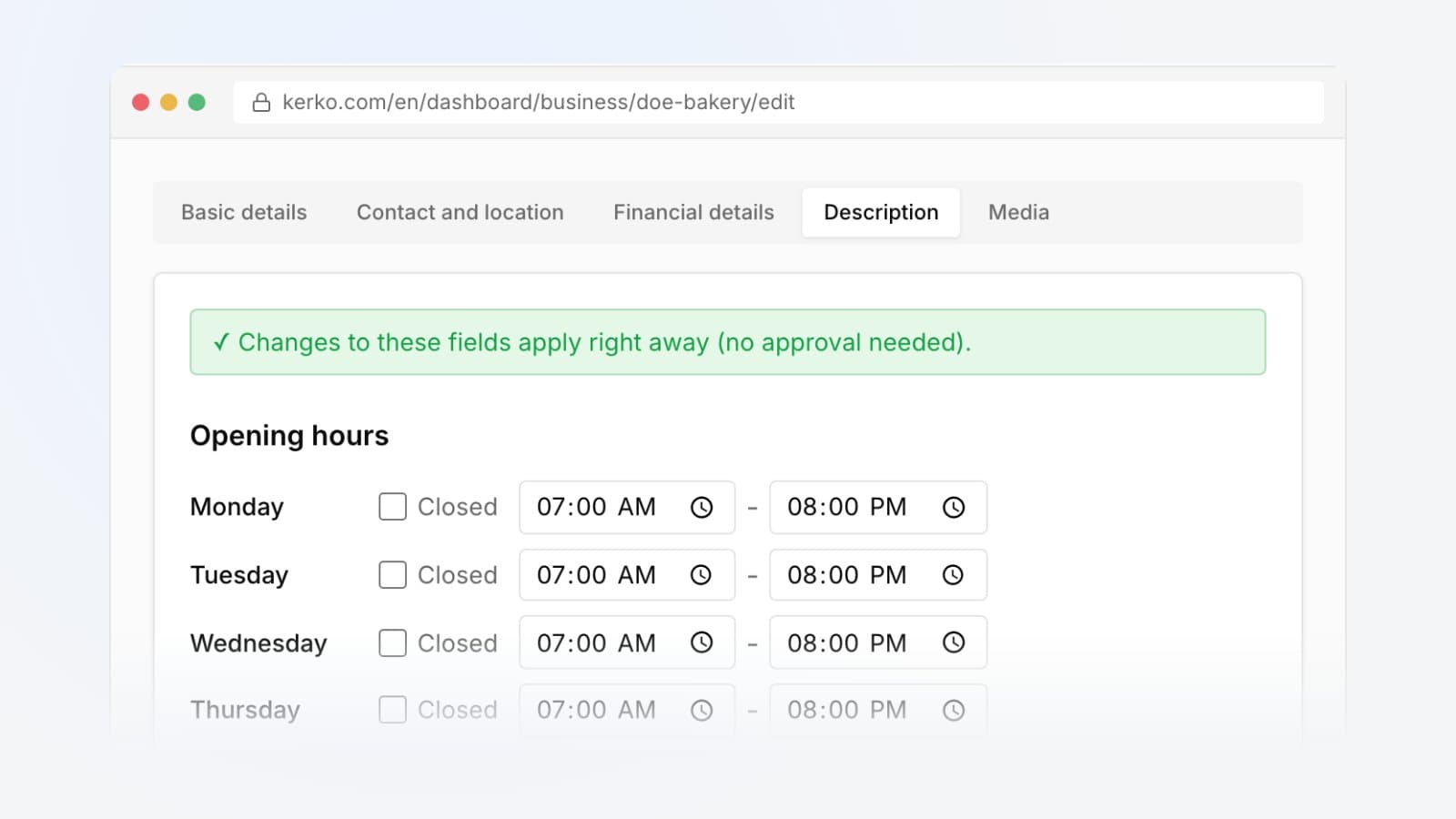
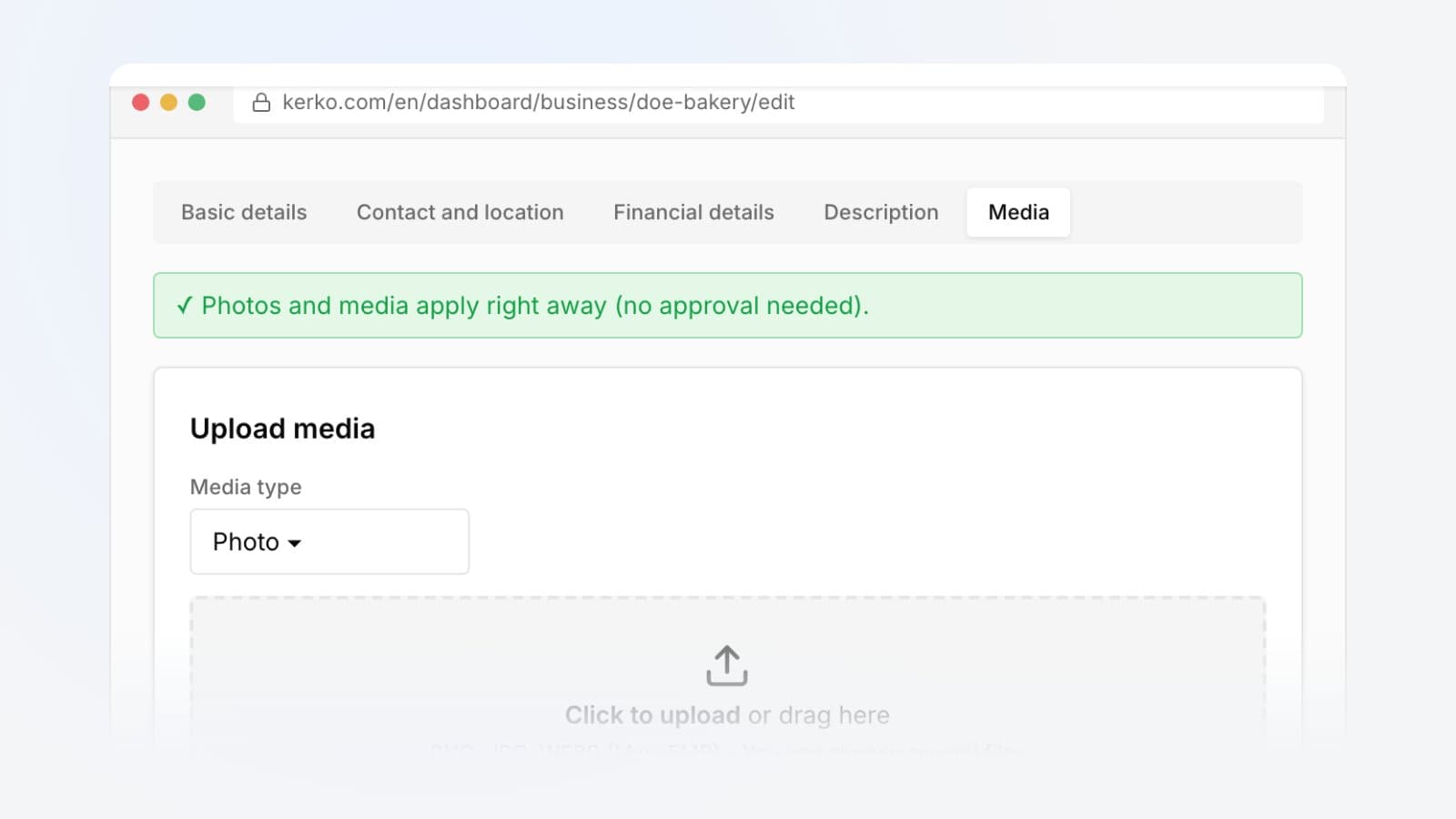
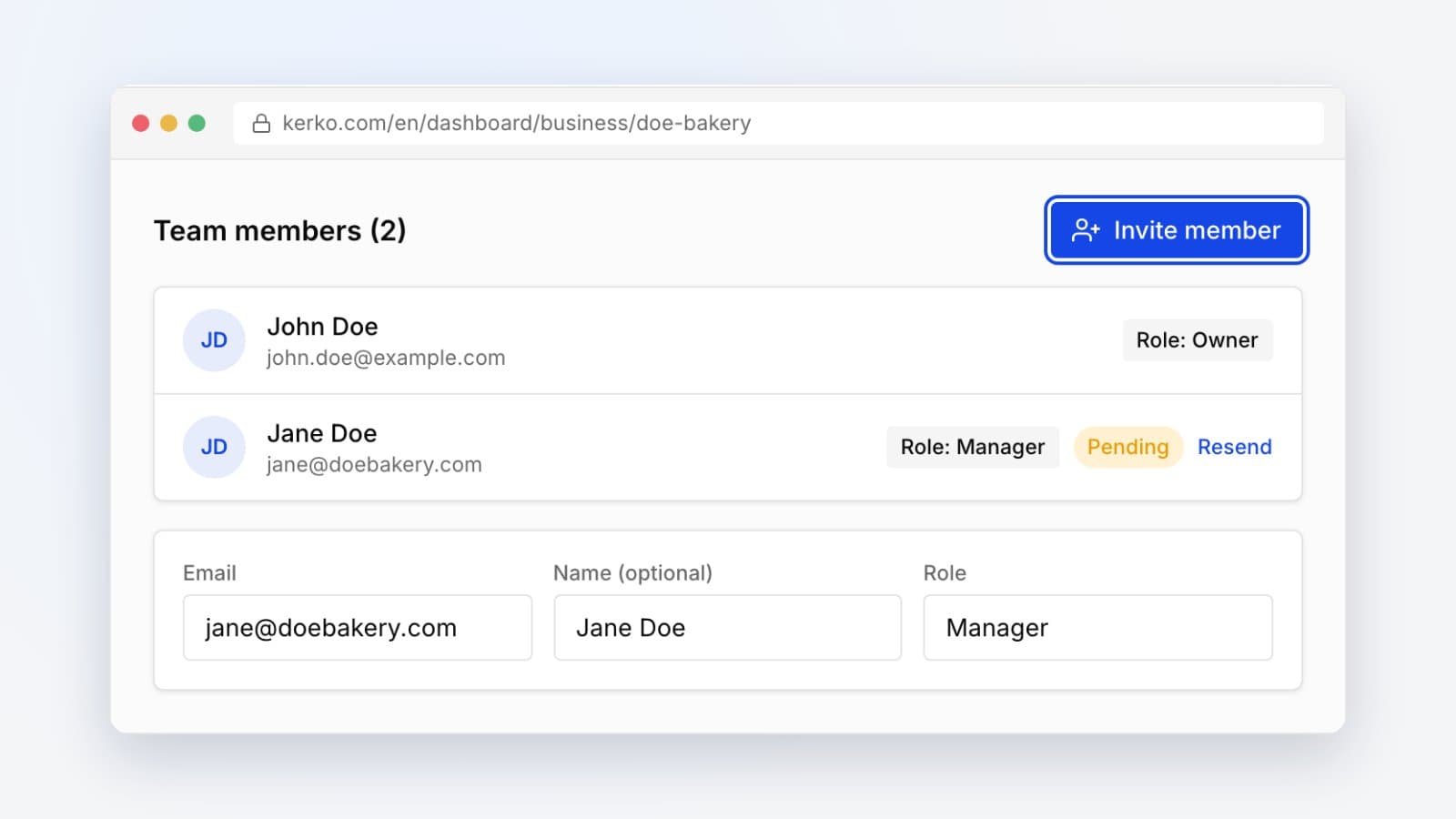
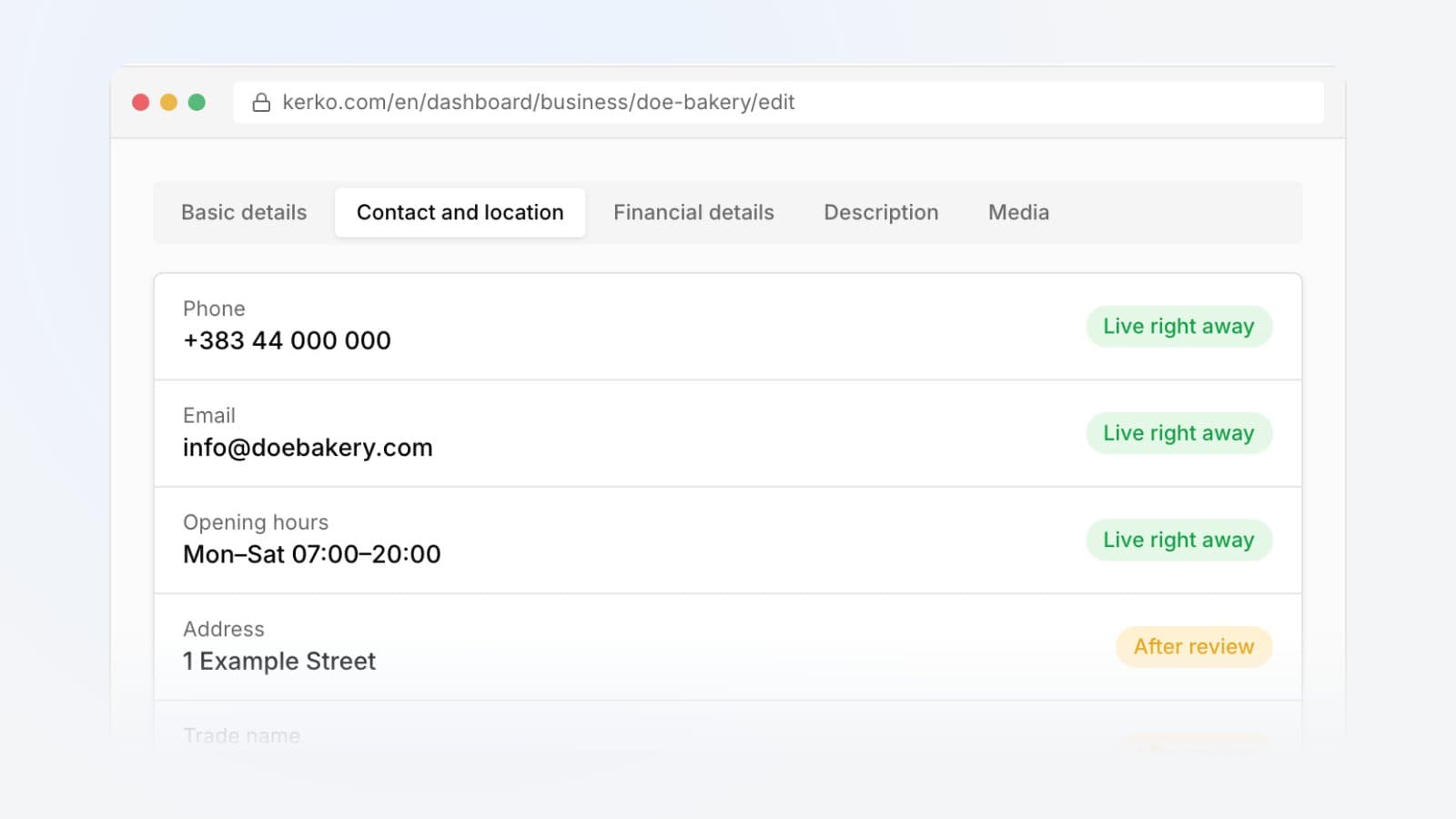
We added How to guides to the blog. They show how to find a business, open an account, verify and edit your business, add photos and opening hours, invite your team and keep your account secure. Each guide shows the Kerko screens as you will see them.
They are all together on the How to page. If you own a business, start with How to verify your business and How to add photos and a logo.
Terms and privacy
We also published new Terms of Use and a new Privacy Policy. They name the company that runs Kerko, explain how businesses and users contribute and how every change is checked against ARBK data, and set out what personal data we process.
Find a business you know in the business catalogue and add what it is missing.
Frequently asked questions
Do I need an account to suggest a change?
Yes. The account is free and lets us tell you when your suggestion is approved.
When does my suggestion show on the profile?
Once the Kerko team has reviewed it. Until then, the detail shows a mark that your suggestion was sent.
How many points do I earn for a contribution?
Once approved: +20 for a new business, +8 for a photo, +5 for each missing detail and +2 for a correction.
Can I suggest changes to any business?
Yes, to any business that does not have a verified owner yet. Once the owner verifies it, they keep the profile up to date themselves.
- Kerko updates
- Business profile