Kerko updates
Kerko updates: menus and new business pages
Menus from a photo, search inside menus, opening hours and payments, the Is it still open question, a municipality picker and new business pages.
The Kerko team · · 4 min read
On this page
This week ended with a big change to business pages. Pages have a new look and restaurants and cafés have menus with prices. A few simple questions now keep every profile accurate.
A new look for business pages
The top of every business page is rebuilt from scratch:
- The banner: in the colour of the business type (orange for food and hospitality, rose for shops, violet for technology and so on), or the business's own photo when it has one.
- The logo or initials: in a circle over the banner. Without a logo, the business's initials show in the colour of its type.
- The name people know: Pizza Fresh rather than PIZZA FRESH SH.P.K. The registered name stays right underneath.
- One line of facts: the registry status, whether it is open now and the municipality.
- Contact buttons: the website, Facebook, Instagram and other profiles, the phone and email, plus icons for what the place offers, like card payments, Wi-Fi or delivery.
Pages also show the year the business was founded. Owners set it on the dashboard, and anyone can suggest a correction. Without one, the registration year is shown.
Pick your municipality
Next to the Kerko logo at the top of every page you now see your municipality. Click it, type or choose from all 38 municipalities and go straight to its businesses. Kerko remembers your choice, and on a business page it shows where that business is.
Menus and prices from a photo
You can now add a business's menu or price list by taking a photo of it. We read the items and prices from the photo, our team checks them against it and the business page shows them in a Menu and prices card with a link to the photo. A business's first menu is worth 10 contributor points.
Search now looks in menus too: searching for makiato or pica (pizza) also finds the businesses that have it on their approved menu. On restaurants and cafés, the menu and opening hours now come first on the page, since that is what most visitors come for.
Opening hours, payments and place details
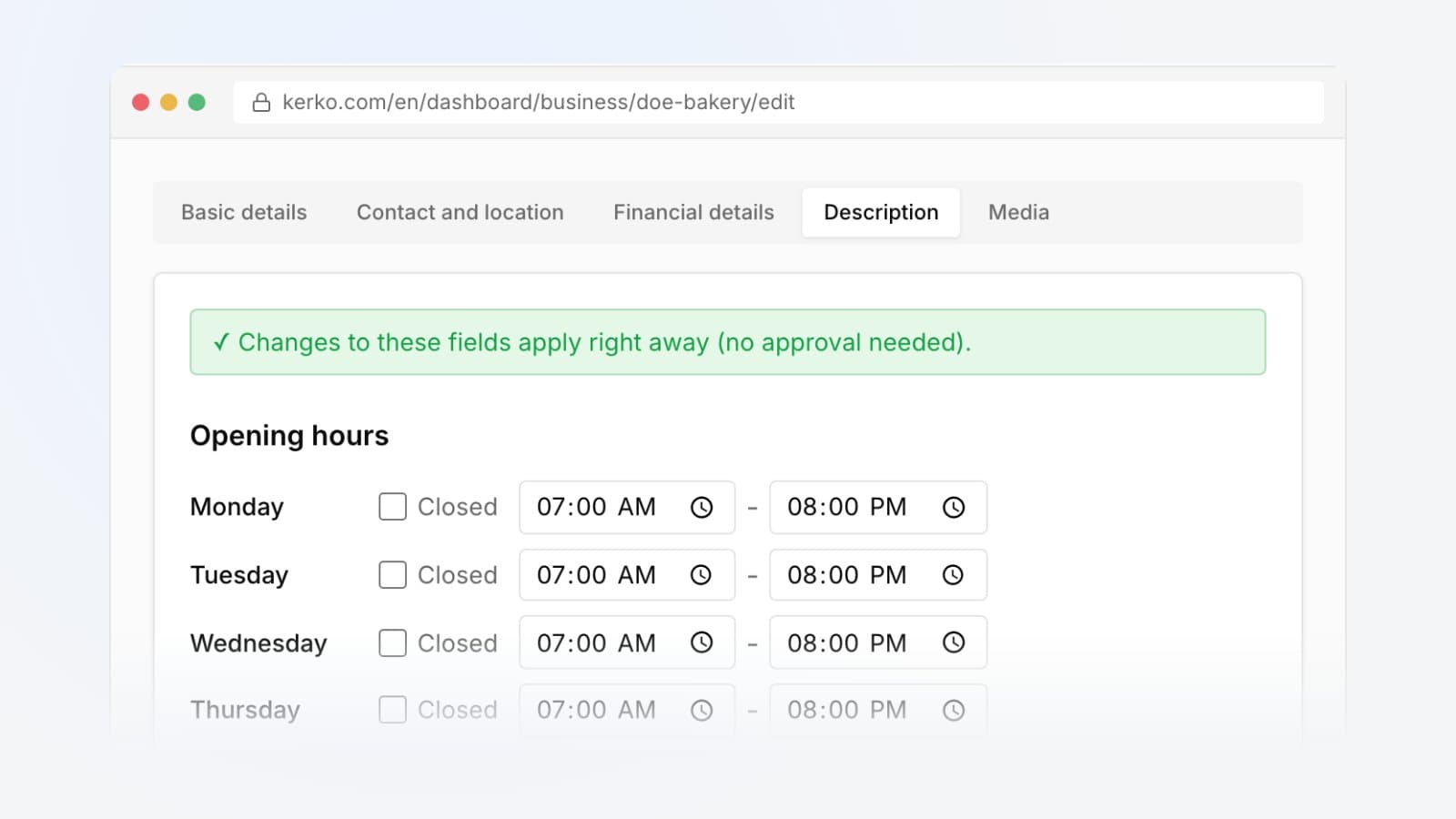
You can suggest the opening hours for each day, the payment methods and details such as parking, Wi-Fi, wheelchair access, delivery and outdoor seating. Pages show them in the new payments and details card.
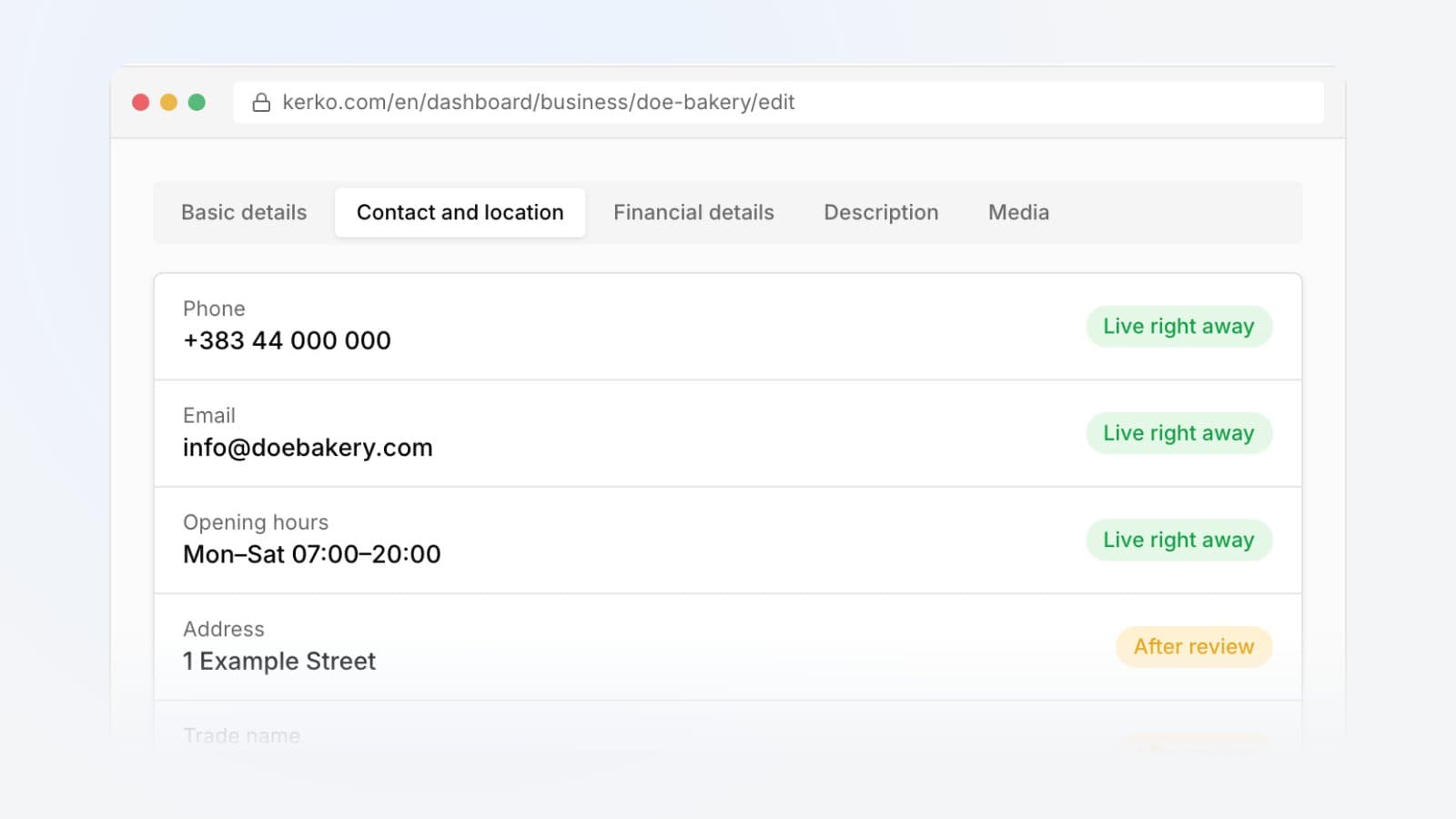
Trusted contributors no longer wait for review on opening hours, payments and place details. From the Active level, with at least 10 approved suggestions and few rejected ones, these publish at once, up to 50 a day. Our team still checks them and can undo any of them.
One question at a time
"Is it still open?" and "Help with the details" are now one card that asks one question at a time. It first asks whether the place is open: answer with one click, or type the new address if it has moved. Then it asks about what the page is missing, like the phone number, opening hours or a photo.
A business only shows as closed once two different people report it or our team confirms it. Pages without photos now say so where the photos would be, and you can add the first one right there.
For business owners
- Your menu from the dashboard: upload a photo in the new Menu tab, we read the items and prices, you check them next to the photo and publish at once, with no review. You can also type items yourself, change a price later or remove the menu.
- Visits from Kerko: links to your website and social pages carry ref=kerko.com and standard UTM tags, so Google Analytics shows Kerko as the source.
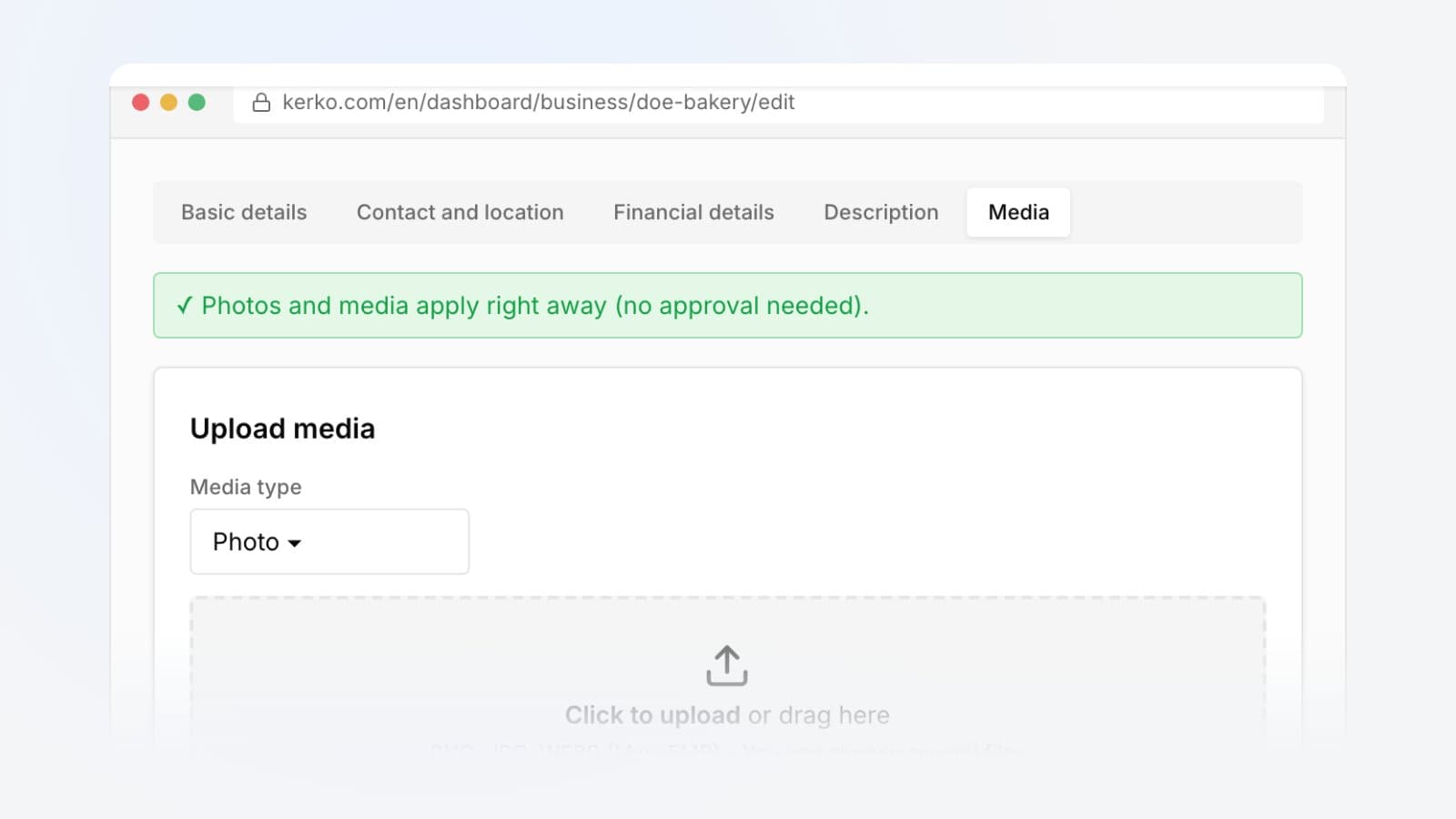
- Photos on the dashboard: when a business of yours has no photos, the dashboard gives you a link to add them. The guide How to add photos and a logo shows the steps.
For opening hours, read How to set your opening hours.
Your account
You can now delete your Kerko account yourself from your profile page. It removes your account, follows, suggestions and points. It also ends your ownership of any business.
Every change, with its date, is on the Changelog. Open the business catalogue and have a look at the new pages.
Frequently asked questions
How do I add the menu of a restaurant or café?
On the business page, in the contact card, choose the menu option and upload a photo of the menu. We read the items and prices, and our team checks them before they show.
Does an owner have to wait for approval of their own menu?
No. A verified owner uploads the menu in the Menu tab of the dashboard, checks the items and publishes it at once.
When does a business show as closed?
When two different people report it or our team confirms it. The page explains that ARBK may still list it as registered.
How do I delete my Kerko account?
From your profile page. It removes your account, follows, suggestions and points. It also ends your ownership of any business.
- Kerko updates
- Business profile