How to
How to add your menu, services and products
Put your menu or price list on Kerko from a photo, on its own page under your profile, and link each item to your online shop so people can buy it.
Andi B. · · 4 min read
On this page
Customers want to know what you offer and what it costs before they call. Every business on Kerko can now have its menu or services and prices on a page of its own under the profile, and link each item to its own online shop. Once you've verified your business, let's watch John Doe put up his bakery's menu.
What the menu page looks like
Doe Bakery menu
Prishtina · 5 items
Cakes
- Chocolate cake, wholeOrder€18.00
- Birthday cake gift boxBuy€24.00
Bread and pies
- Corn bread€0.80
- Spinach pie€1.50
- Cheese pastry€1.20
The page has its own address, like kerko.com/en/biz/doe-bakery/menu, with sections, items and prices. The business profile shows the first items and a See the full menu link. Items with a link get a button of their own: Buy, Order, Book or Learn more.
Step by step
Open the business from My Businesses
Click your name at the top right, choose My Businesses and open the business.
Open "Menu or prices"
It's in the business menu, on the left on a computer and at the top on a phone.
Upload a photo of the menu
Click Upload a menu photo and pick or take a photo (JPG, PNG or WebP, up to 10 MB). Within a minute we read the items and prices from it. No photo? Click Add section and type them yourself.
Check the items next to the photo
The photo is on one side, the items on the other. Fix names and prices, add descriptions or remove anything that shouldn't be there.
Add links to your products
Under an item, click Add a link, pick the button (Buy, Order, Book or Learn more) and type the address of the product on your site, like doebakery.com/cakes.
Click "Publish menu"
The menu goes live on the profile, the menu page and in search at once, with no review. Click View the menu page to see it the way customers do.
Link your products to your shop
Kerko doesn't take payments or handle the sale. The button next to an item takes the customer to your site, where they buy, order or book. Pick the button that matches what happens on that page:
- Buy: the product is sold online, in your own shop or on a marketplace.
- Order: delivery or pick-up orders.
- Book: a table, an appointment or a scheduled service.
- Learn more: a page with details, photos or terms.
Why it's worth it
- You're found in search. When someone searches Kerko for a dish, a product or a service, they also find the businesses that have it on their menu. The menu page shows up in Google too.
- Fewer calls about prices. Customers see the prices before they come.
- Sales on your own site. Every click on Buy or Order sends the customer straight to you.
Menu or services?
Restaurants, cafés, bakeries and other food places see it as Menu and prices. Every other business, from hairdressers to repair shops and stores, sees it as Services and prices. The dashboard and the steps are the same.
When the menu changes
Change a price or add an item in Menu or prices and click Publish menu again. If you upload a new photo, items with the same name keep their links. To take it down completely, click Remove menu.
Who can change it
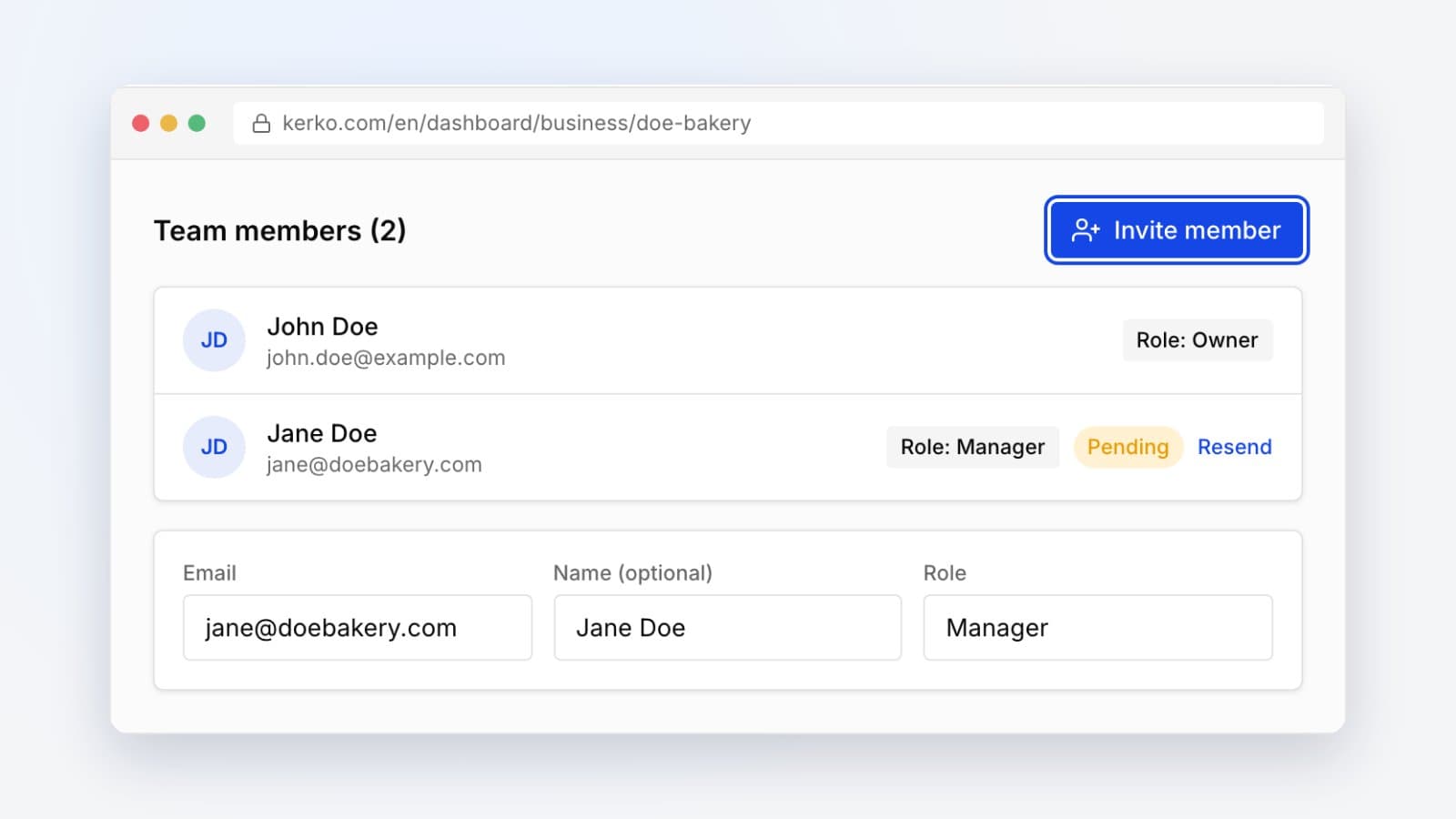
The owner, administrators and managers on the team. If someone else looks after the menu, invite them as a Manager. Not the owner, but you have a place's menu? Send it as a photo from the business profile and Kerko's team reviews it before it goes live.
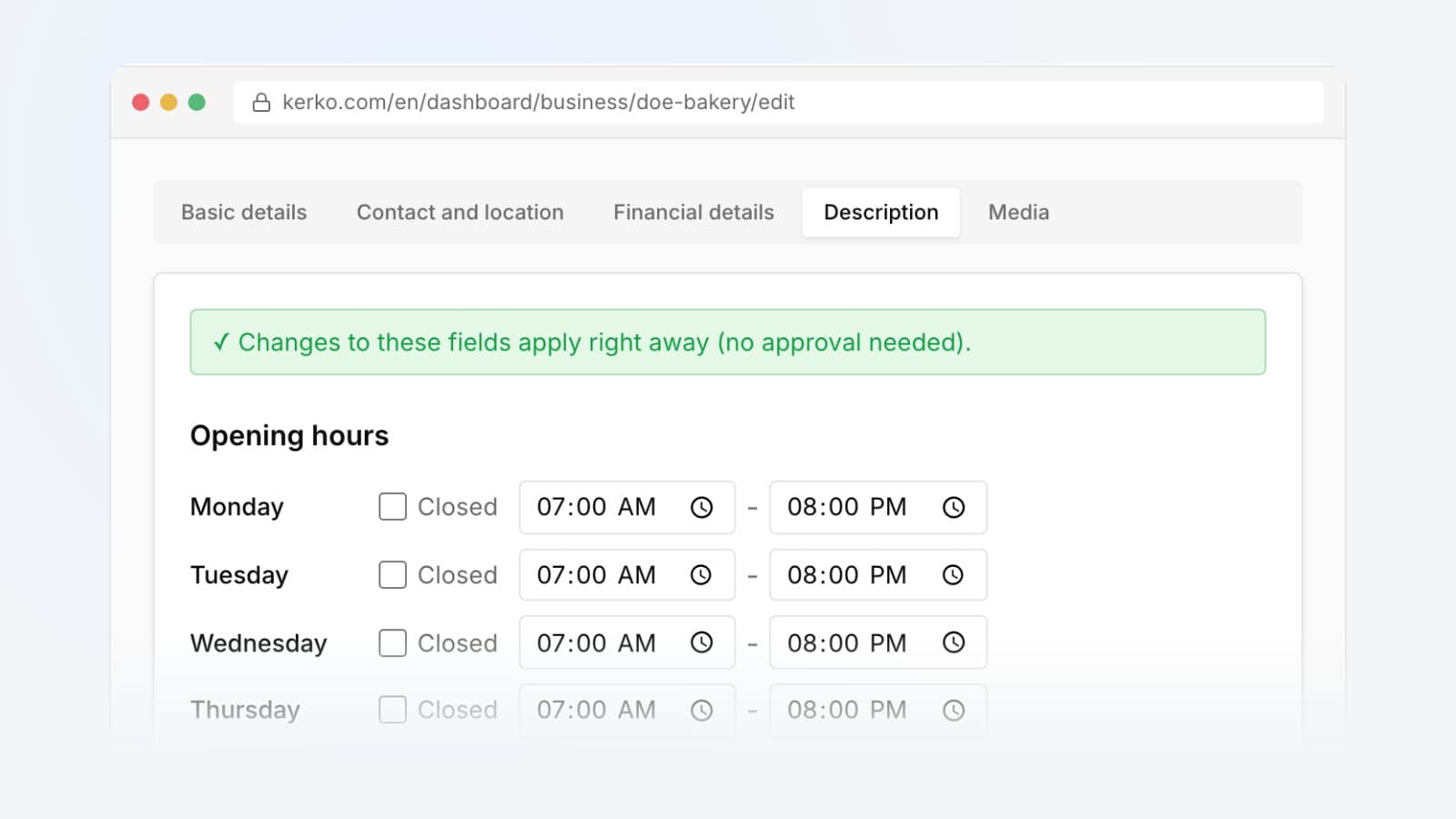
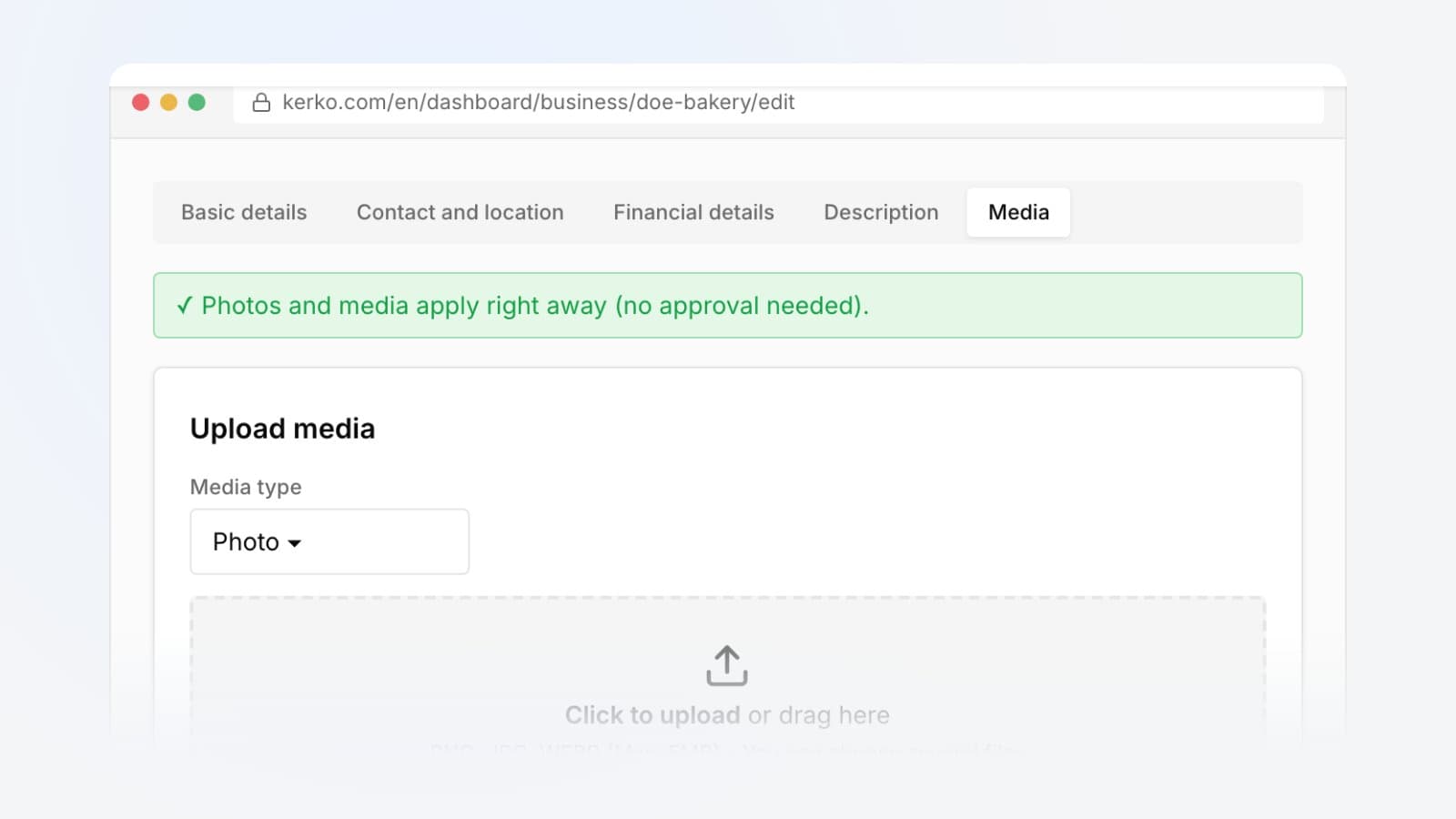
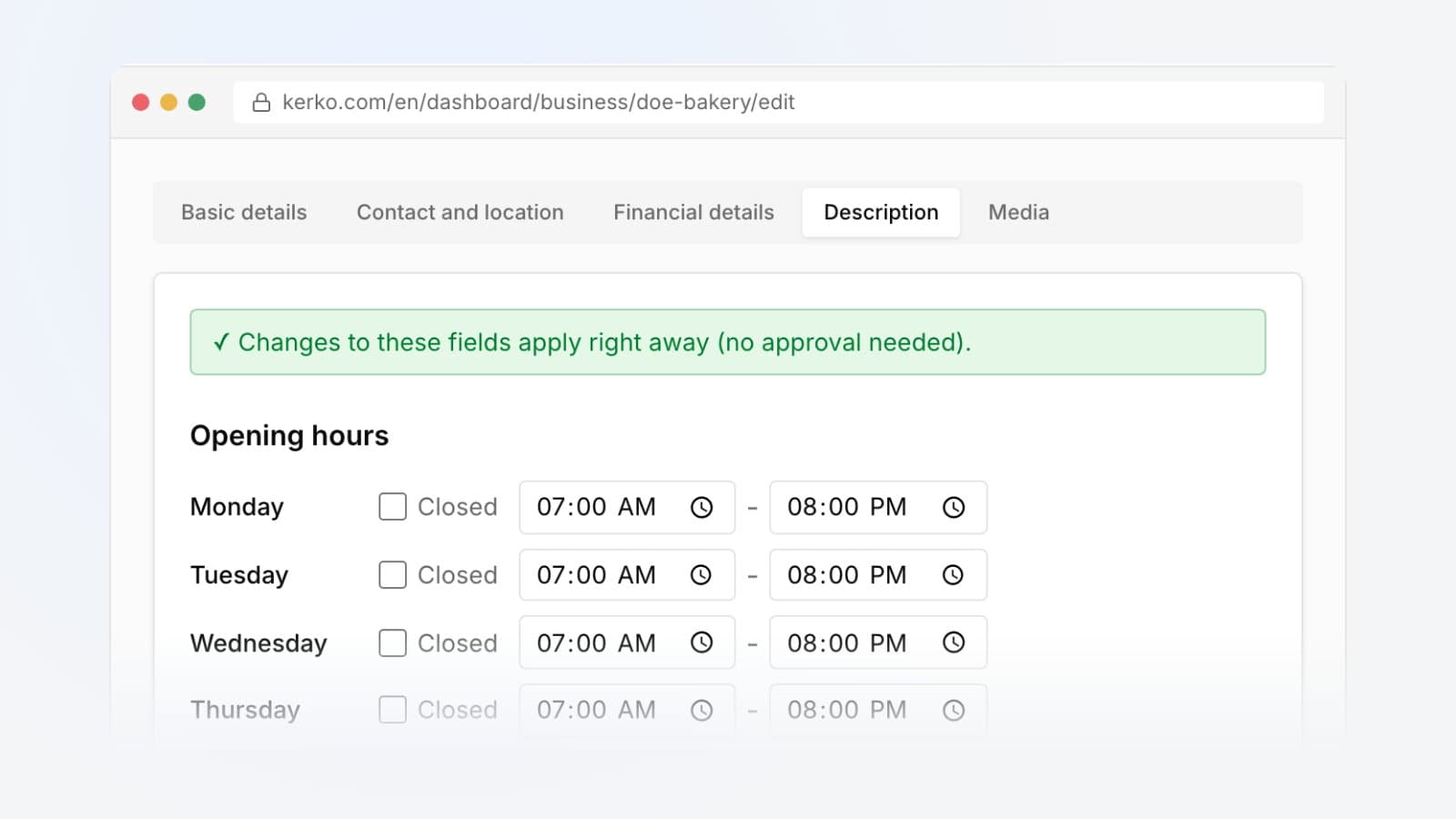
After the menu, add photos and a logo and your opening hours.
Frequently asked questions
Does my menu need to be approved?
No. When the owner publishes it from the dashboard, it shows on the profile and the menu page straight away.
Where does my menu show?
On the business profile and on its own page, kerko.com/biz/your-business/menu, which Google can find too.
Can I sell my products through Kerko?
Kerko doesn't take payments. You give each item a link to your own online shop, and the Buy, Order or Book button takes customers straight there.
I offer services, not food. Does this work for me?
Yes. For businesses that aren't restaurants or cafés the page is called Services and prices and works the same way.
If I upload a new photo, do I lose my links?
No. Items with the same name keep their links; you add links to new items yourself.
- How to
- Business profile