Kerko updates
Kerko updates: statistics and activity pages
Statistics over time, Kerko in numbers, pages by activity and city, business types, a menu page and a new dashboard for business owners.
The Kerko team · · 4 min read
On this page
This week Kerko got more useful for anyone who wants to understand the market, not just find one business. Statistics show how the registry changes over time, businesses can be browsed by activity and city, and owners have a new dashboard.
Statistics over time
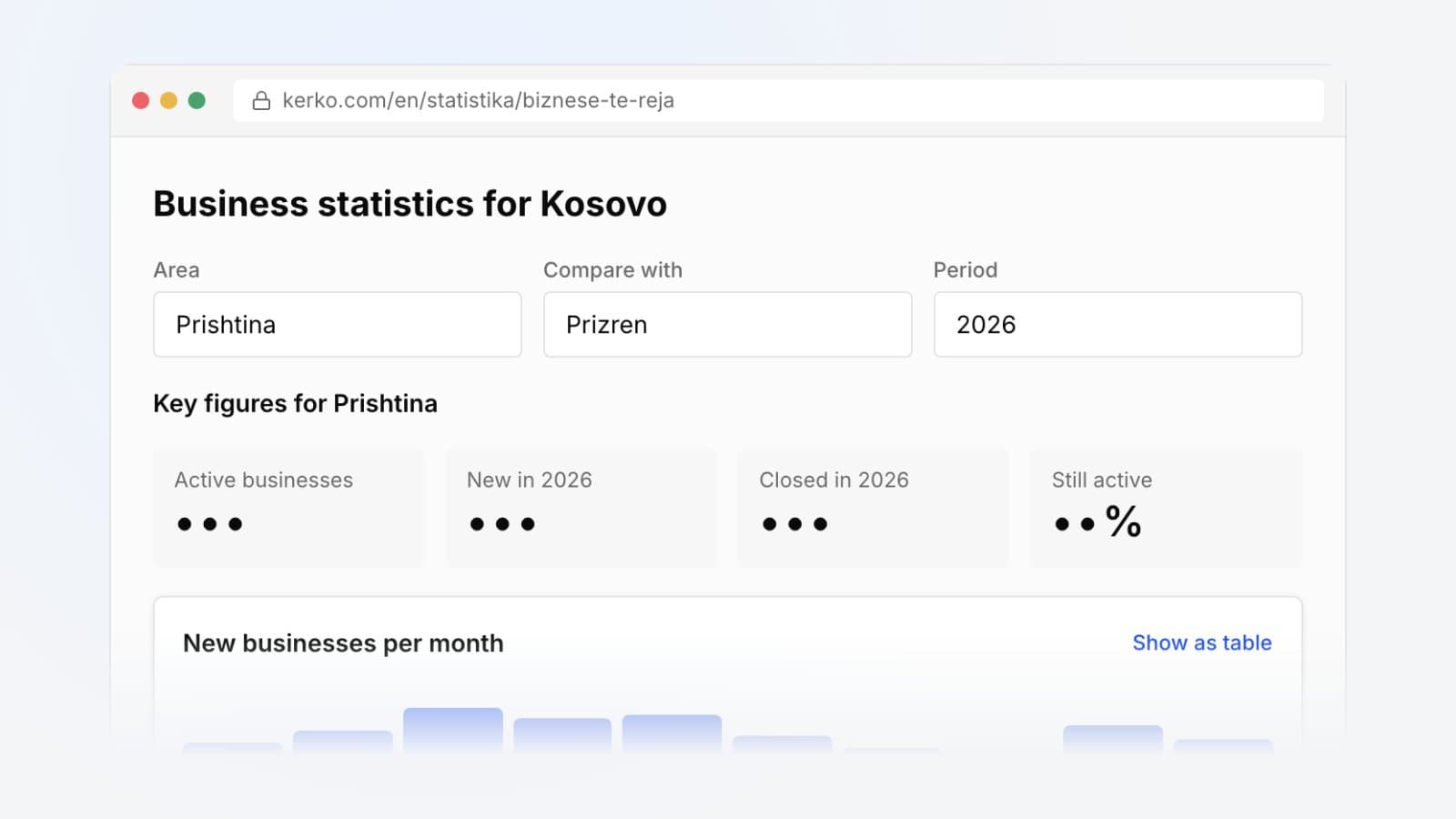
The statistics page now shows more than today's numbers:
- Trends over time: how many businesses were registered each year and how their number has changed.
- Net change: how many businesses opened and closed each year.
- Survival: how many businesses are still active by the year they were registered.
- Sectors across regions: which sectors are strongest in which region.
Business statistics for Kosovo
Key figures for Prishtina
- Active businesses
- •••
- New in 2026
- •••
- Closed in 2026
- •••
- Still active
- ••%
You can download any chart as an image, download its data as CSV or share it. The guide How to use the statistics walks through all of it.
Kerko in numbers
Statistics also has a new tab, Kerko in numbers. It shows how many businesses, people and users Kerko has, how many phone numbers, emails, websites, addresses, map locations, photos and menus have been collected, how the registry has grown and how complete the profiles are.
Businesses by activity
Every business is registered with ARBK under one or more activity codes (NACE codes). You can now browse them under Activities: pick a code, like restaurants, and see every business registered with it, grouped by municipality, along with related activities. Each business page links its own activities to these pages. For more on the codes, read NACE codes and business activities.
Every type of business in every city
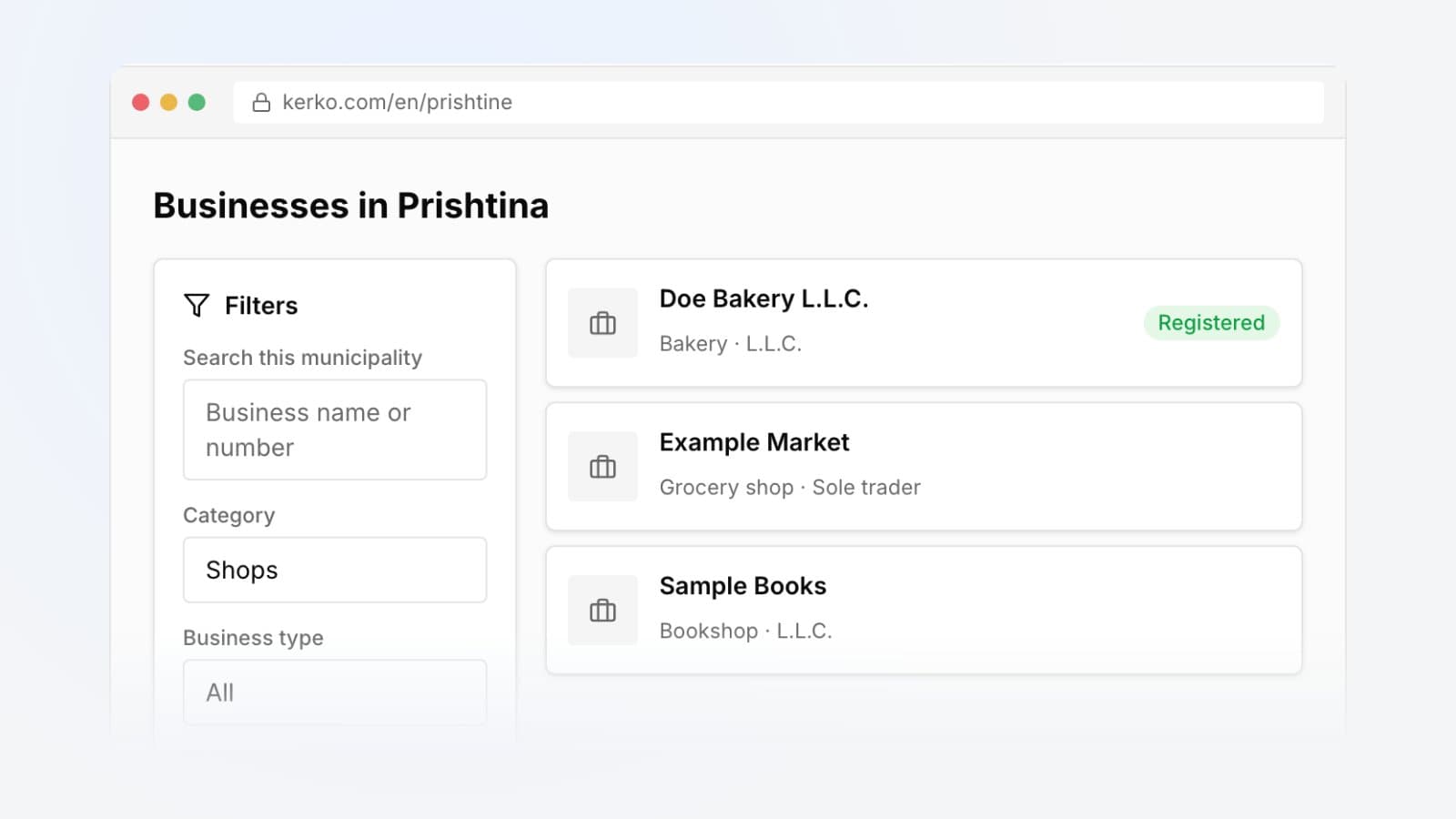
Each city now has its own page for every type of business, such as Food and Hospitality in Pristina. Old links lead straight to the right page.
Businesses also show exactly what they are, like supermarket, café or pharmacy. City pages can be narrowed down by these types, and search finds them when you type, for example, pharmacy in Albanian ("barnatore").
Check a business
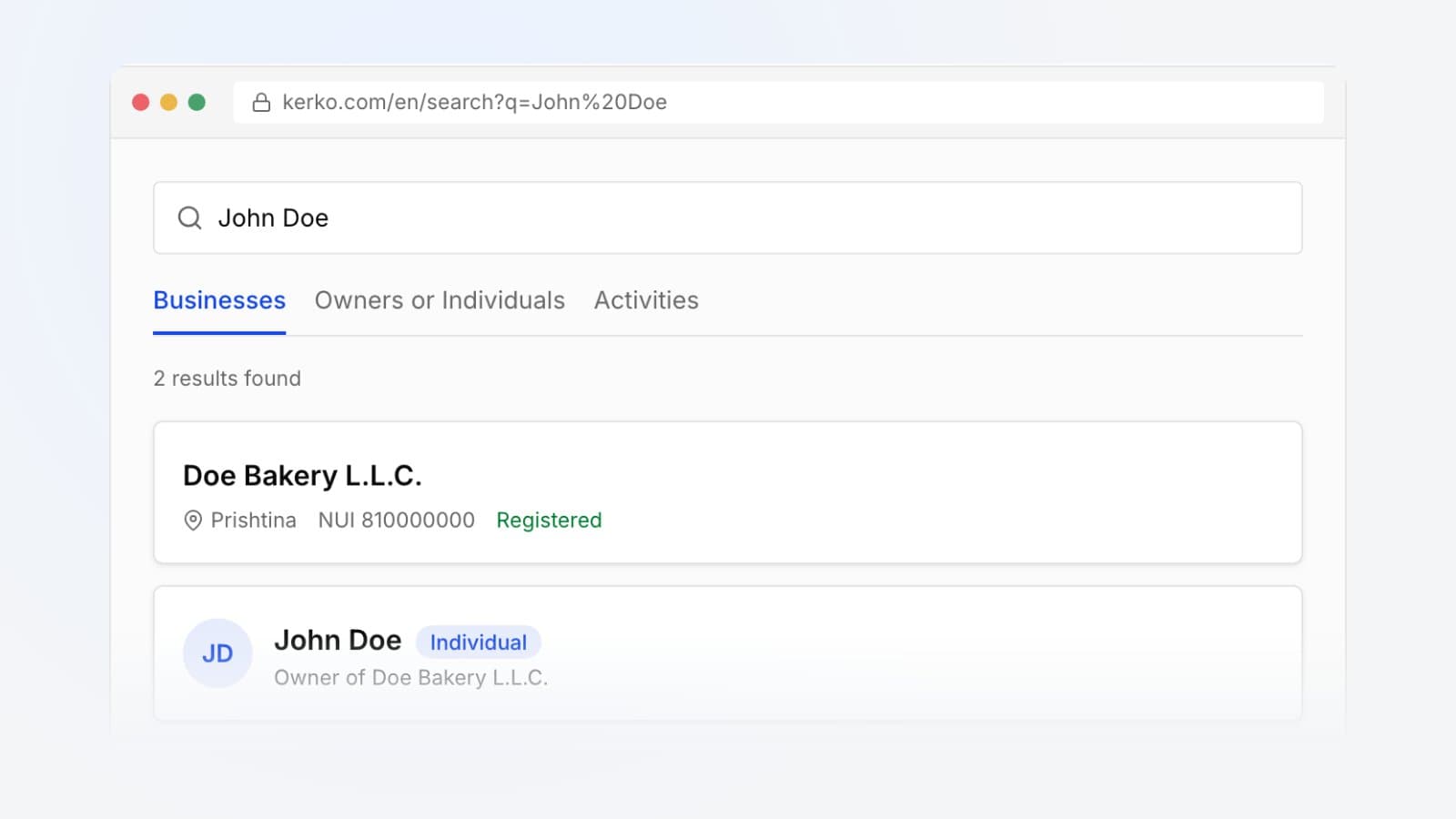
The new Check a business page is for when you need to know who you're dealing with: search by name, NUI or fiscal number and see the registry status, owners, authorized persons and activities. There's more in How to verify a business in Kosovo.
For business owners
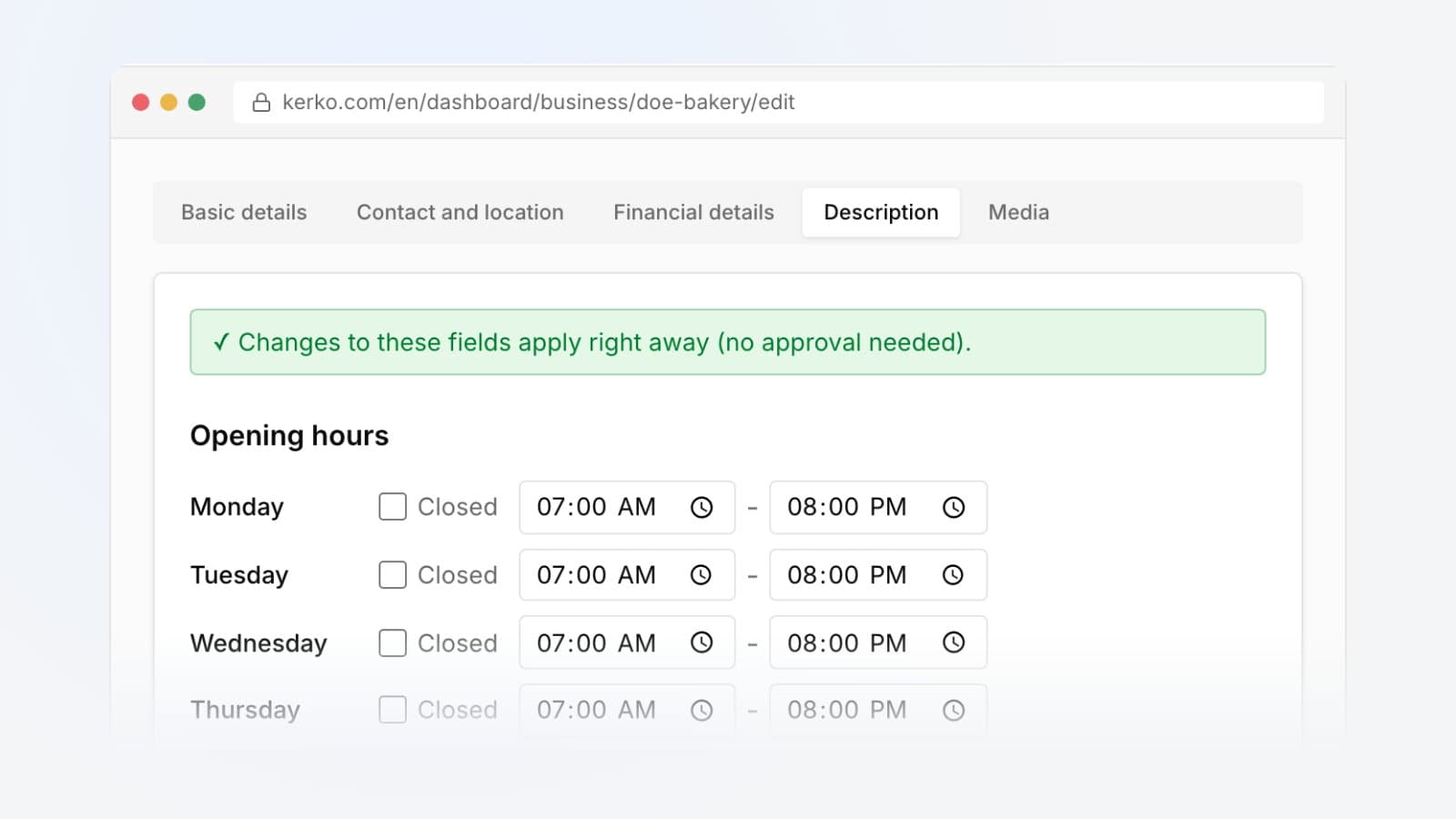
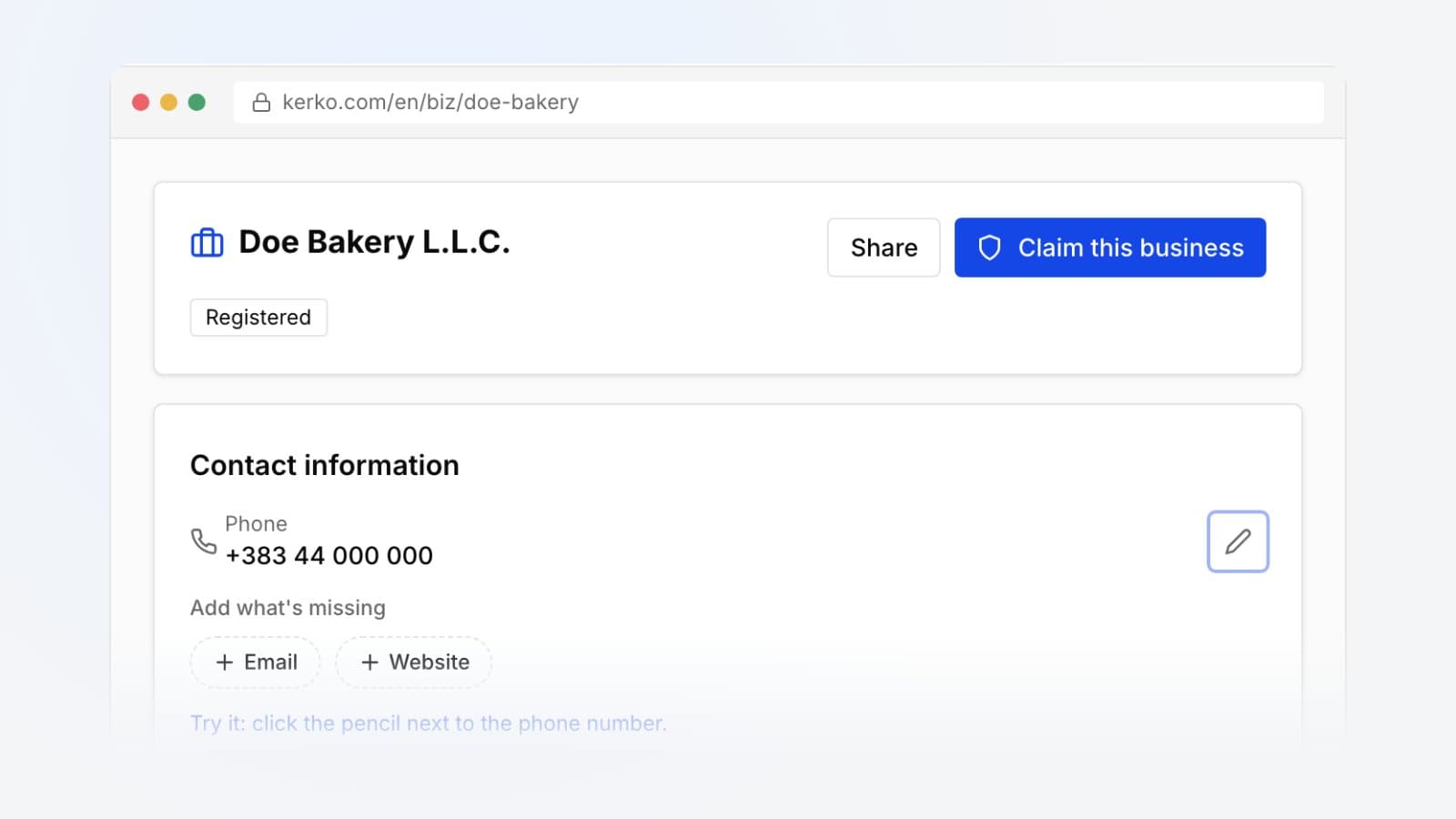
- New dashboard: your business dashboard now has a page for each part of your profile: business info, contact and location, hours and description, logo and photos, menu or prices, social links, team and settings. The overview lists what your profile is still missing, and changes show right away.
- Social links: add your Facebook, Instagram, TikTok, LinkedIn, YouTube and X pages.
- Photos: replace your logo or banner, put your photos in order and describe each one.
- Still open? If a visitor reports your business as closed, one tap confirms you are open.
- Menu page: your menu or price list now has its own page under your profile (kerko.com/biz/your-business/menu) that Google can find. You can link each item to your online shop, order or booking page, and it shows a Buy, Order, Book or Learn more button next to it. Links stay when you upload a new menu photo.
- Badge for your website: the dashboard overview has a code you paste on your business website. Customers see "Verified on Kerko" (or "Find us on Kerko" before verification) and open your profile in one click.
For menus, read How to add your menu and prices. For the dashboard, How to change your business details.
Links on social media
When you share a Kerko page on Facebook, WhatsApp or Viber, the link now shows a proper preview image with the name of the page.
Every change, with its date, is in the History. Open the statistics and see how business in Kosovo has changed.
Frequently asked questions
Can I download the statistics data?
Yes. You can download any chart on the statistics page as an image, download its data as CSV or share it with a link.
How do I find every business with a given activity?
Open the Activities page, pick the NACE code and see the businesses registered with it, grouped by municipality.
How do I put the Kerko badge on my business website?
On your business dashboard overview, copy the code from the Badge for your website card and paste it in your site's footer or on its About page.
Can I link menu items to my online shop?
Yes. You can link each item to your shop, order or booking page, and it shows a Buy, Order, Book or Learn more button next to it.
- Kerko updates
- Search